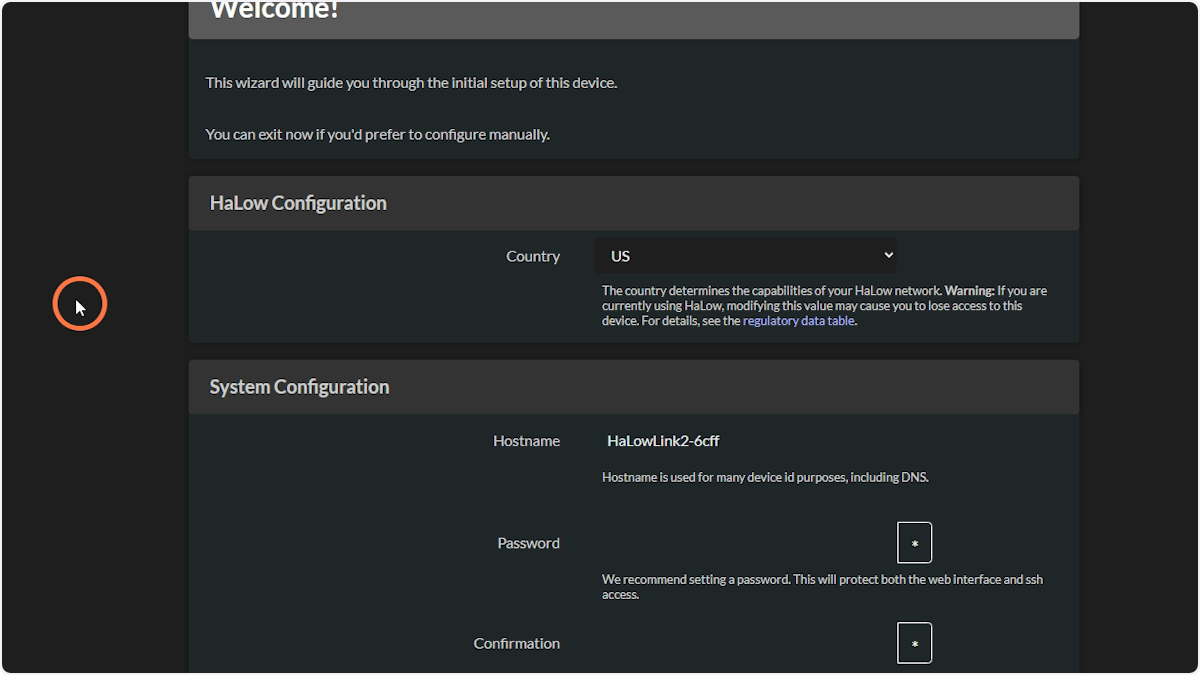
How to flash OpenMANET on HaLow Link 2
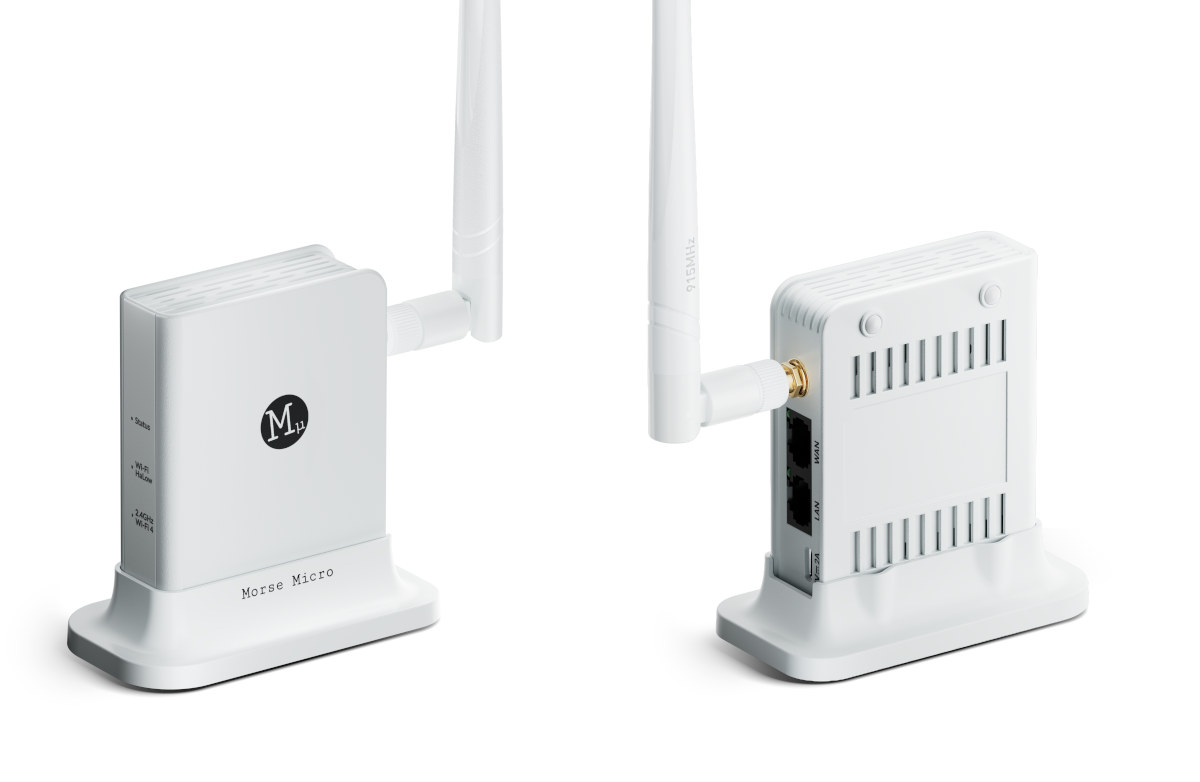
1. Connect to the HaLow Link 2 Wi-Fi network
The SSID and password are on the label on the side of the device.
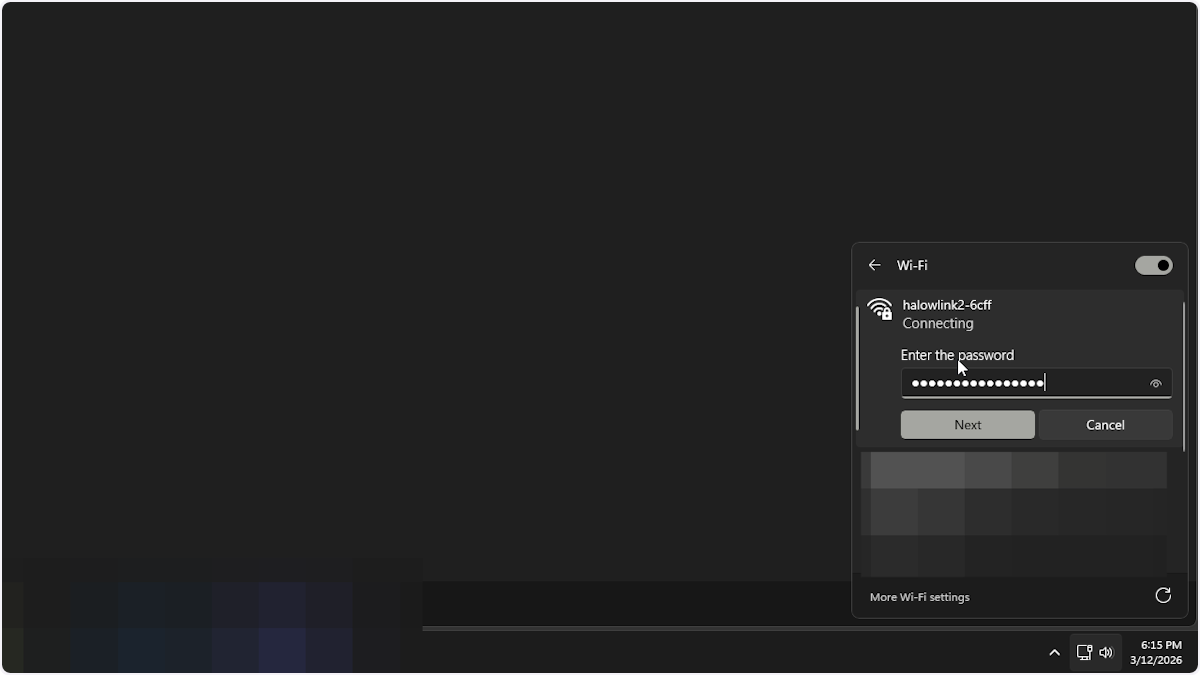
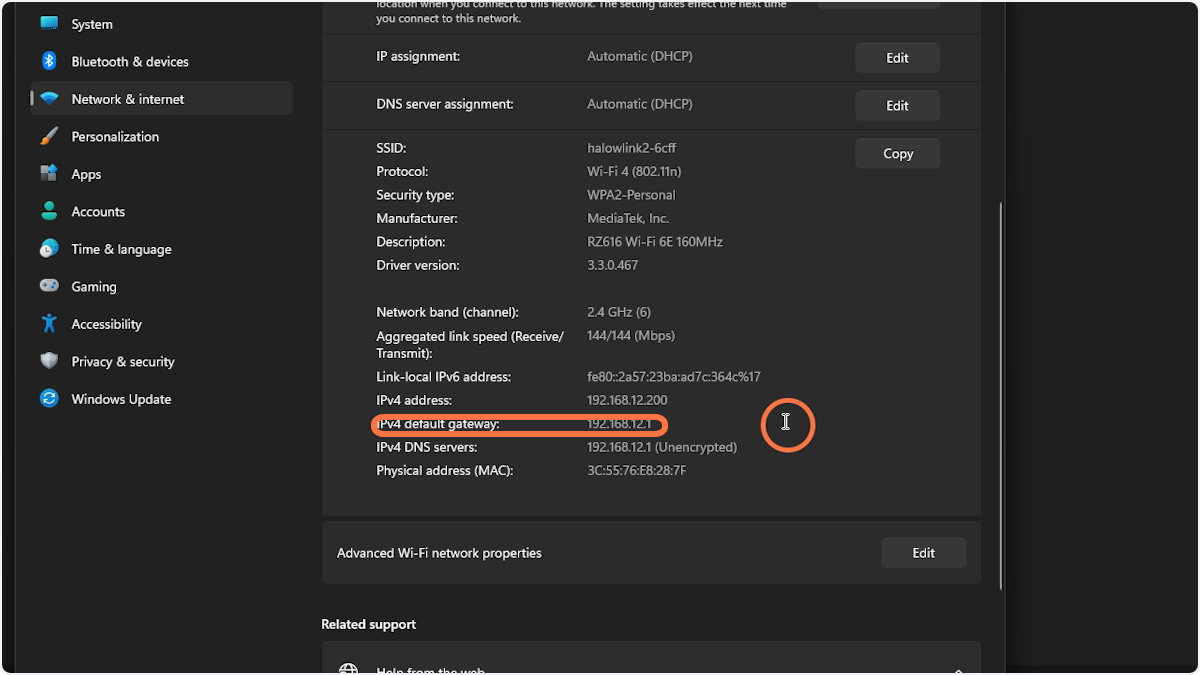
2. Click on properties
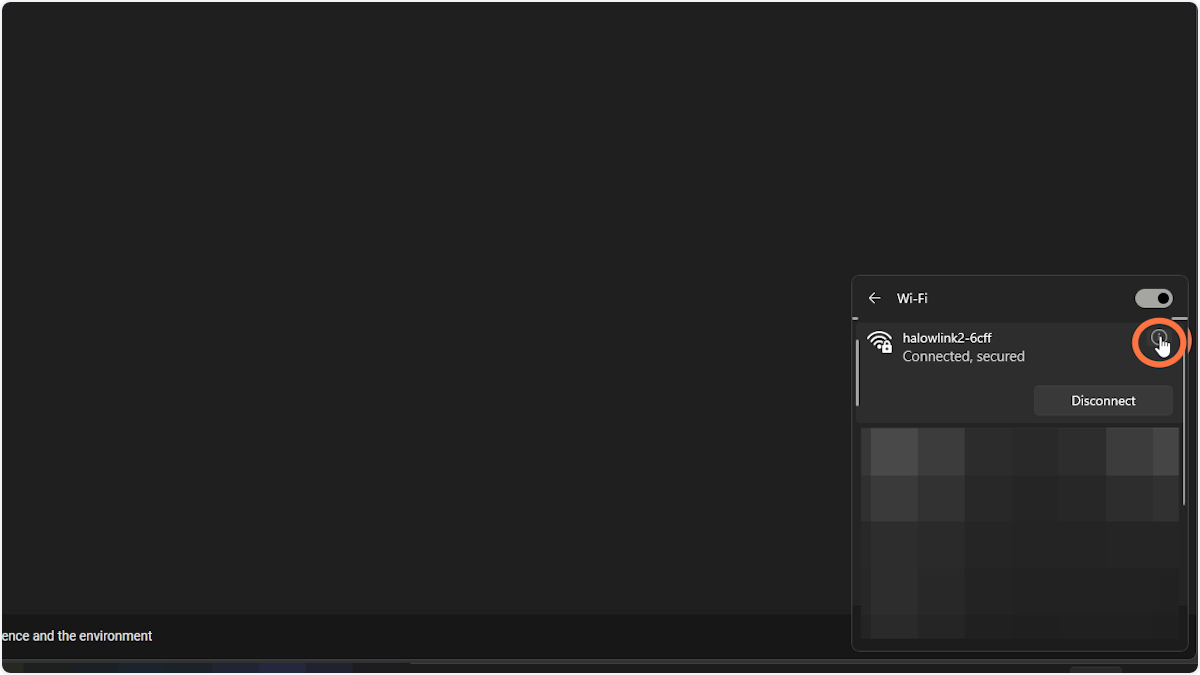
3. Remember the gateway IP address
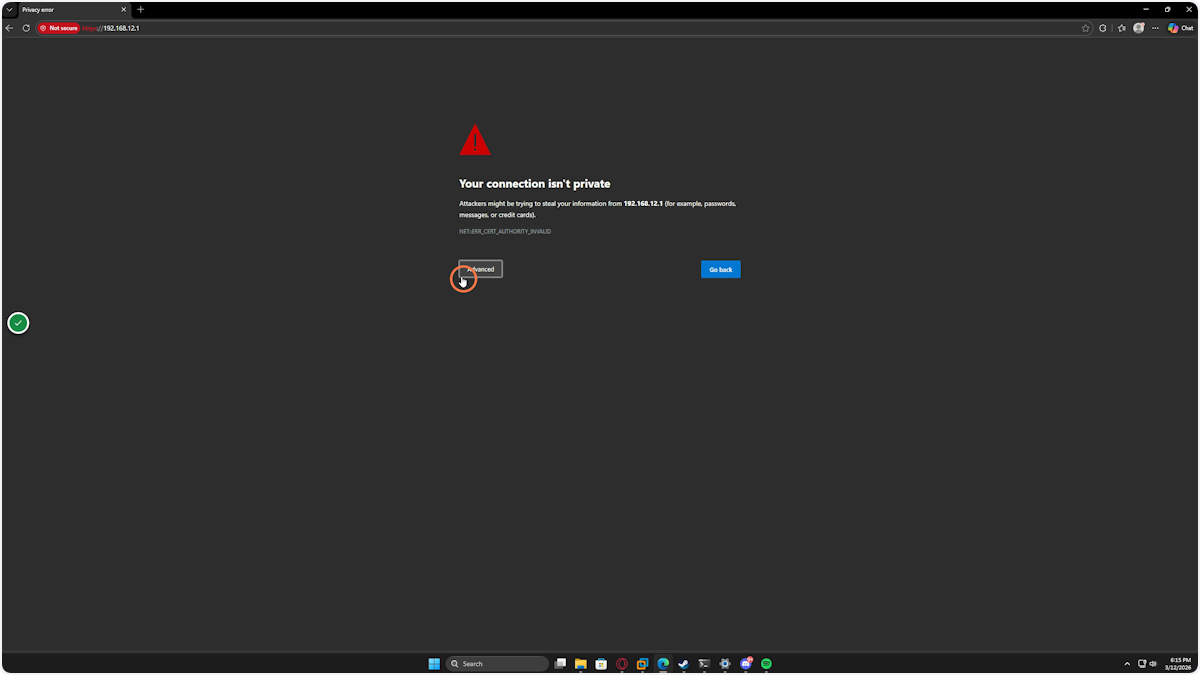
4. In your browser type in the gateway IP address. If you get this warning hit Advanced
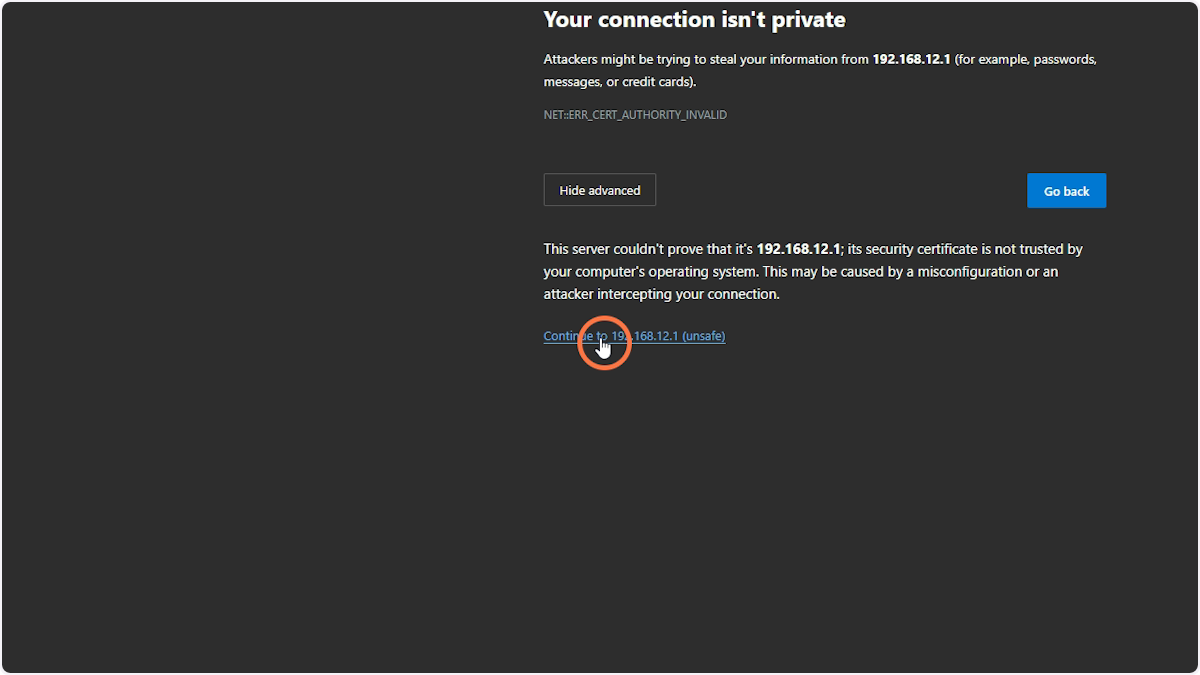
5. Then click Continue
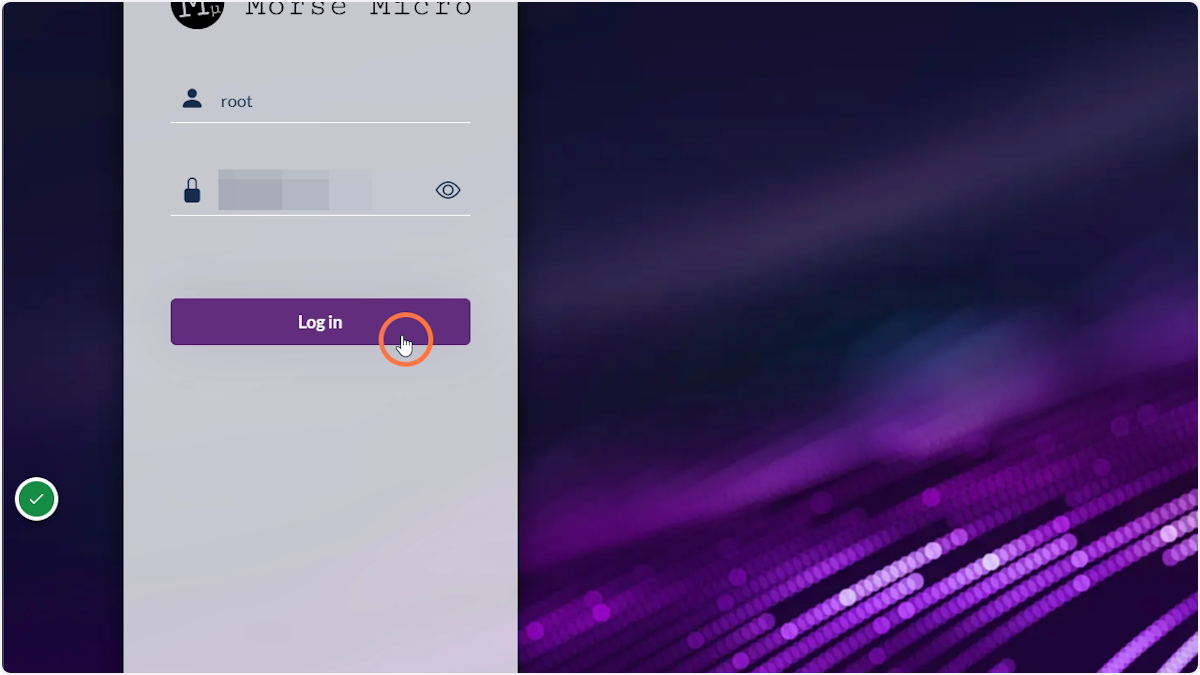
6. Enter the root password
The Device Password can be found on the label on the side of the HaLow Link 2.
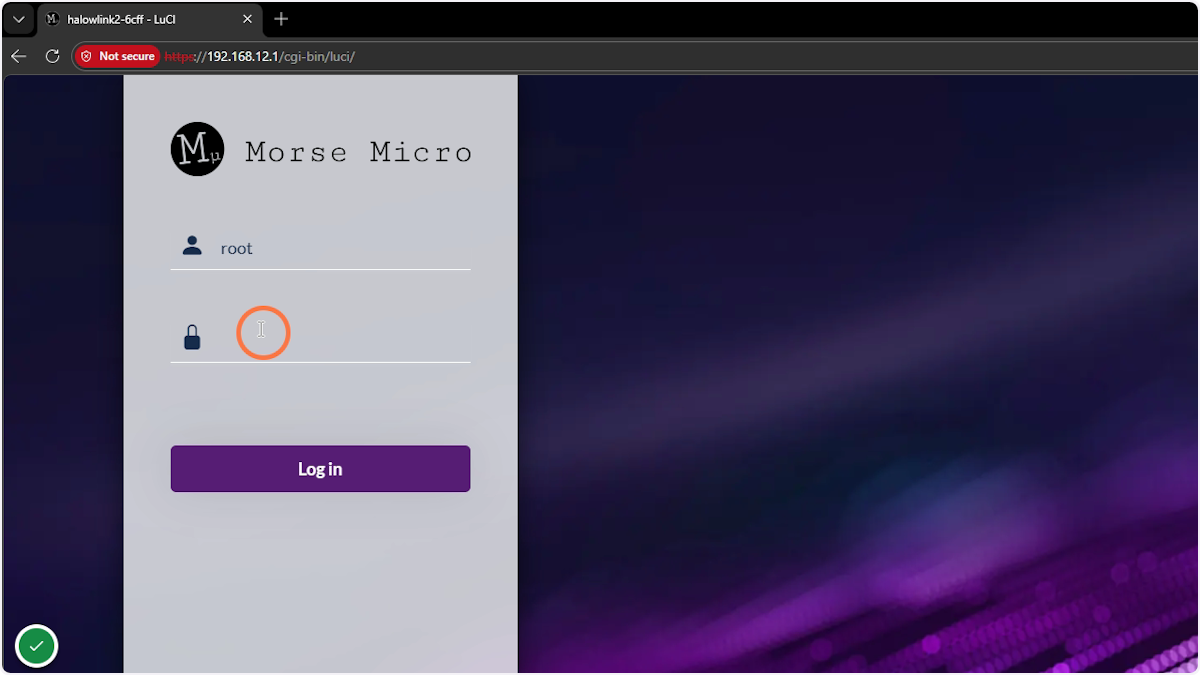
7. Click Login
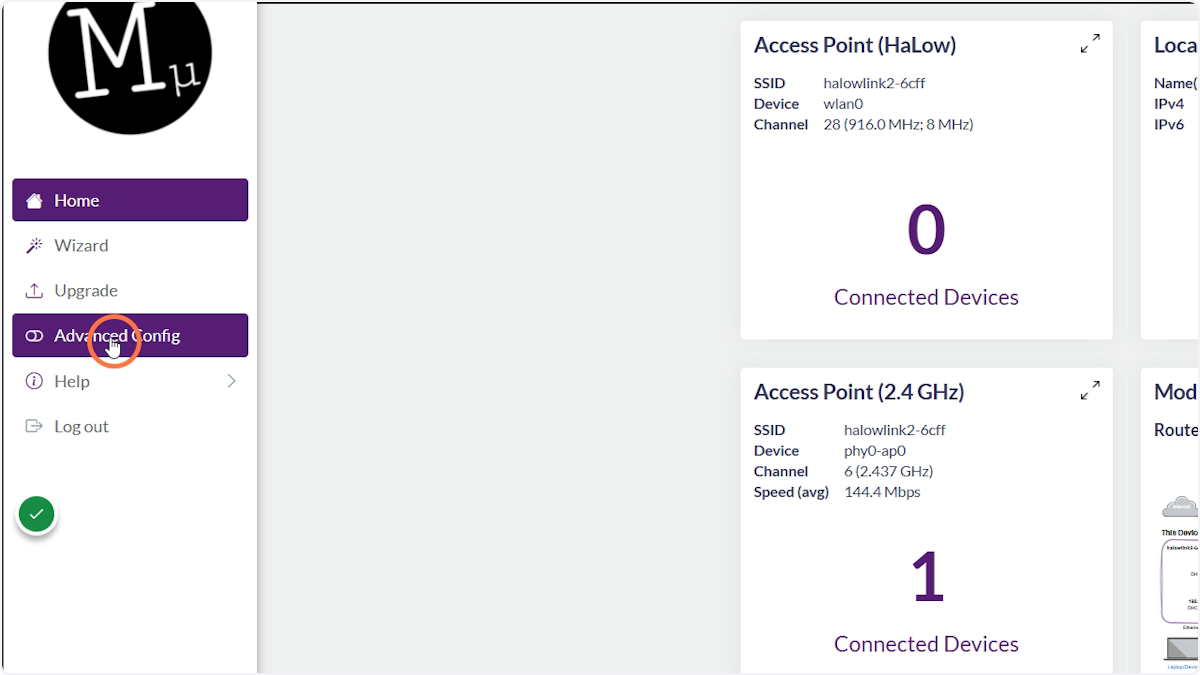
8. Click on Advanced Config
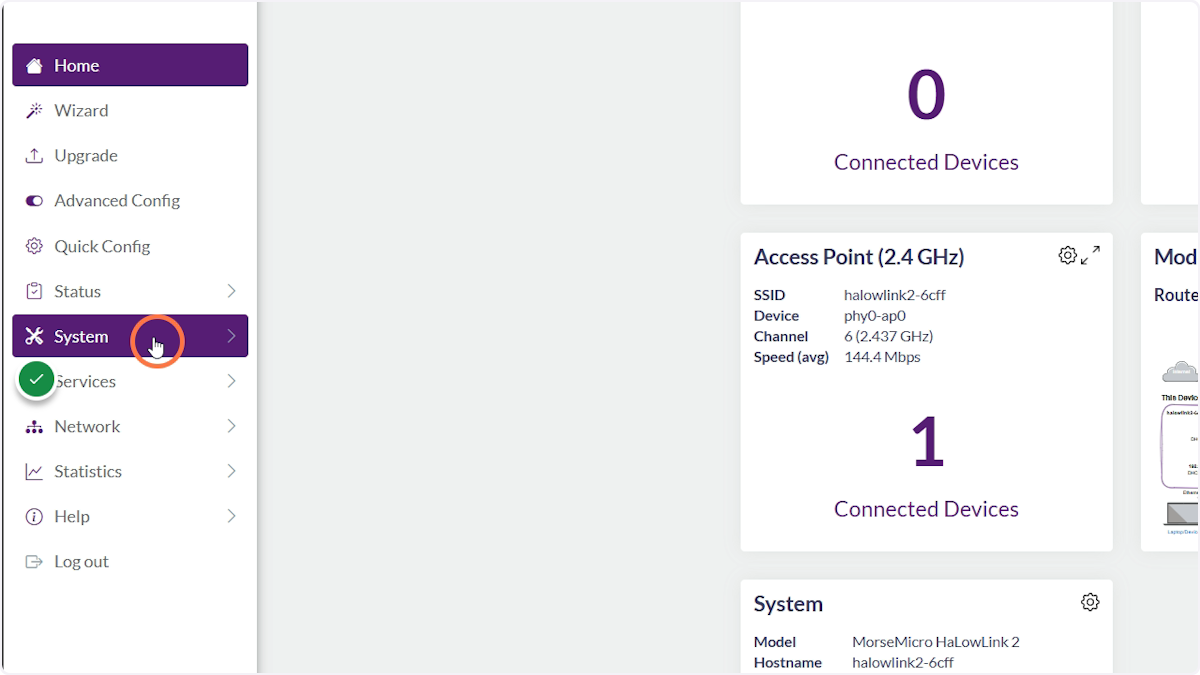
9. Click on System
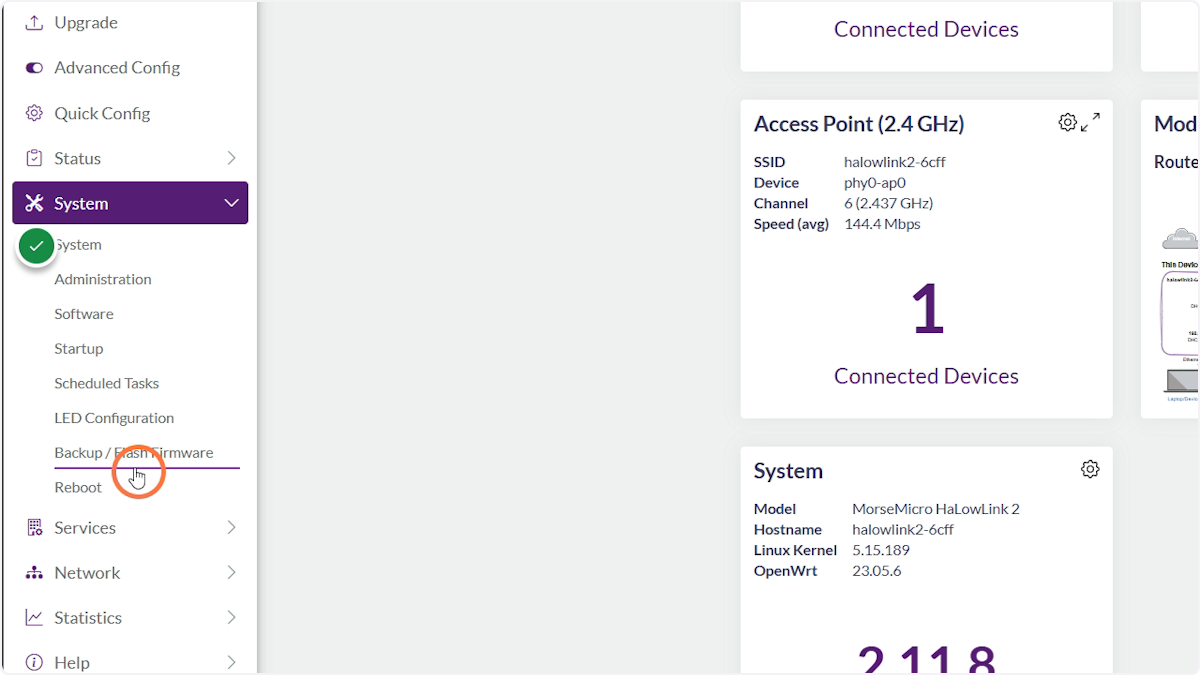
10. Click on Backup/Flash Firmware
11. Click on Flash Image
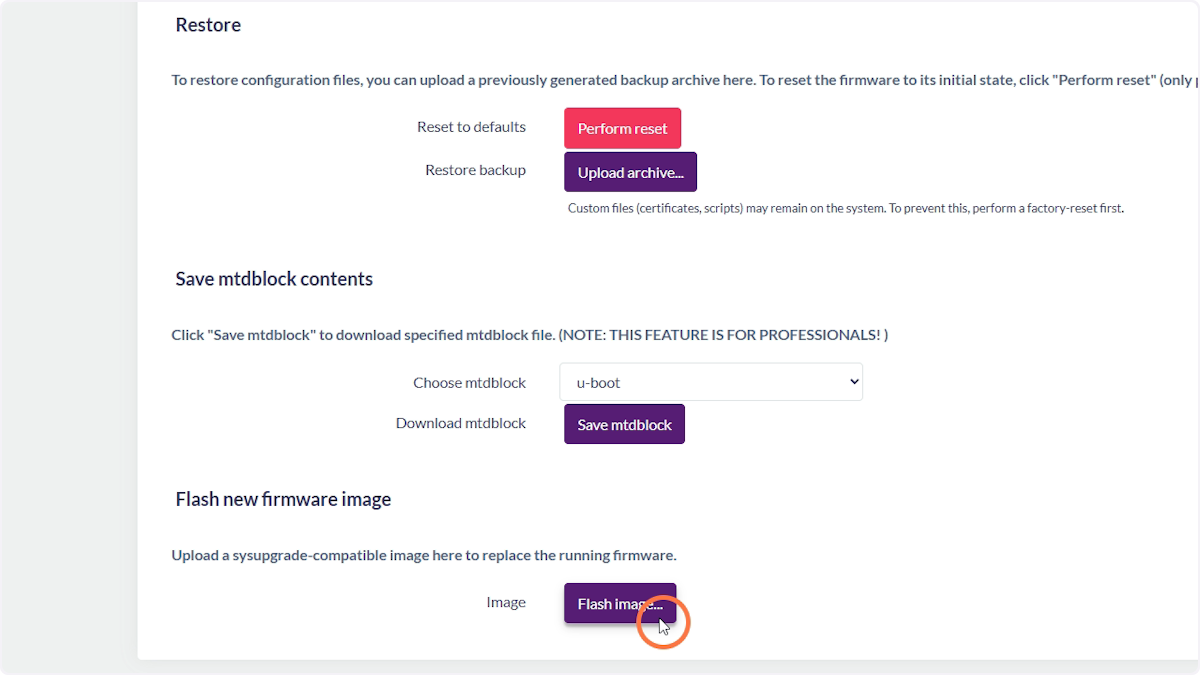
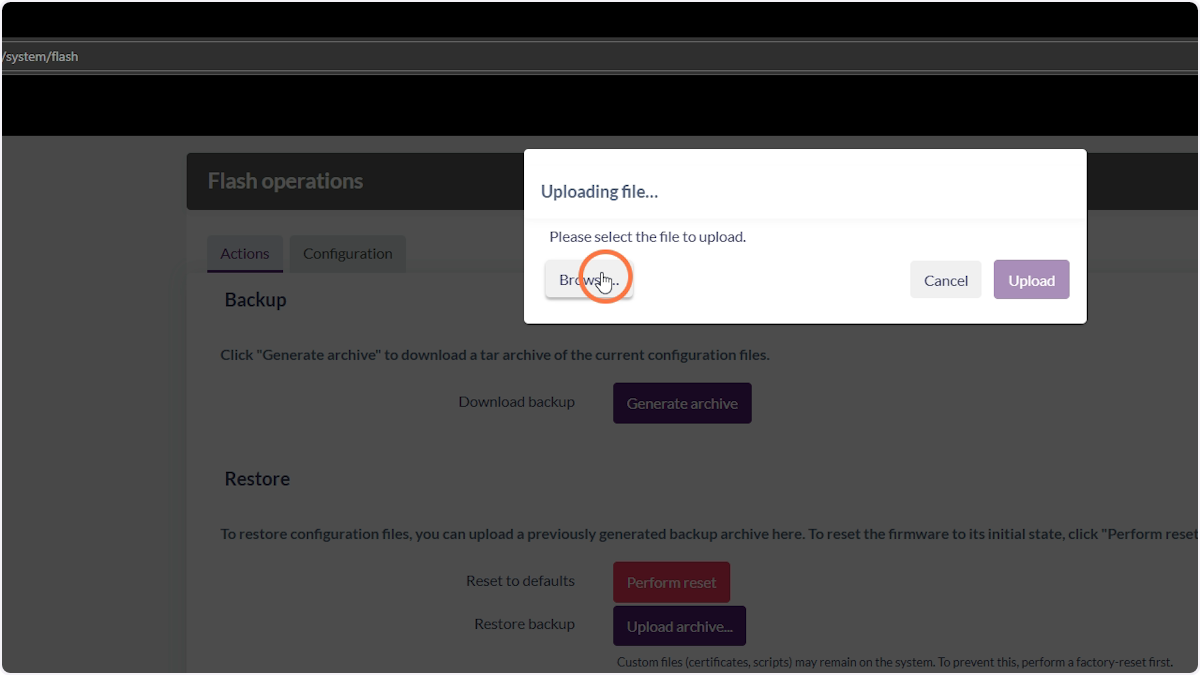
12. Click Browse
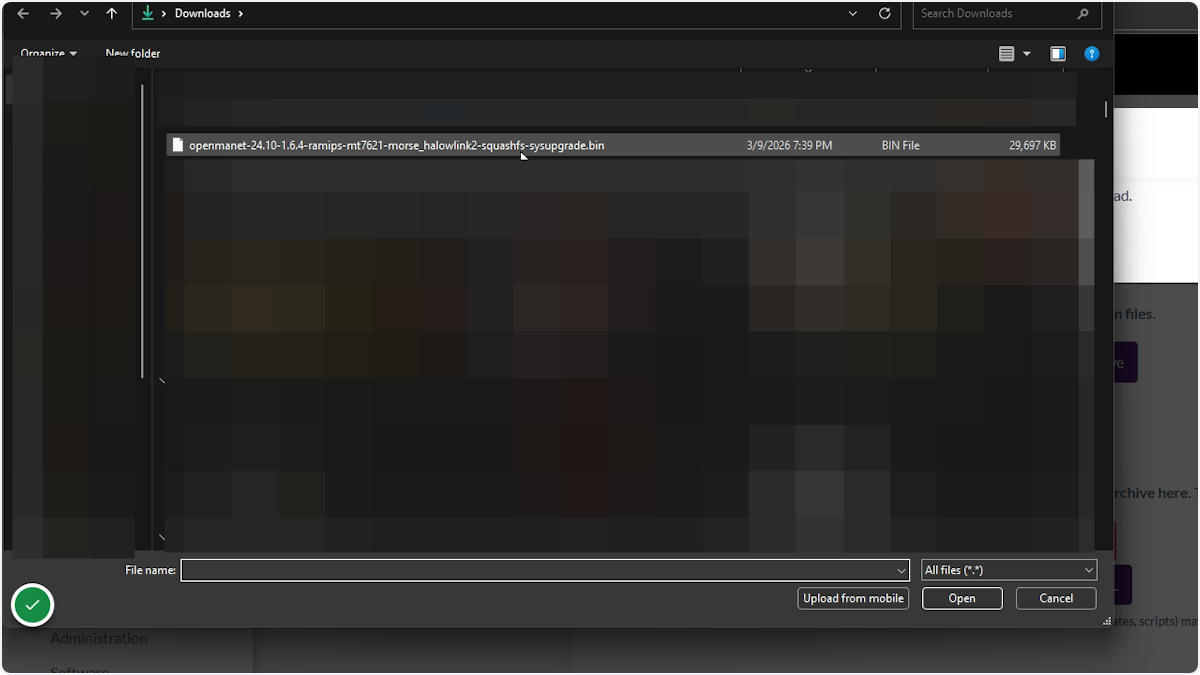
13. Select the image you want to flash
The latest images can be found at https://github.com/OpenMANET/firmware/releases. Look for the file with halowlink2 in the filename.
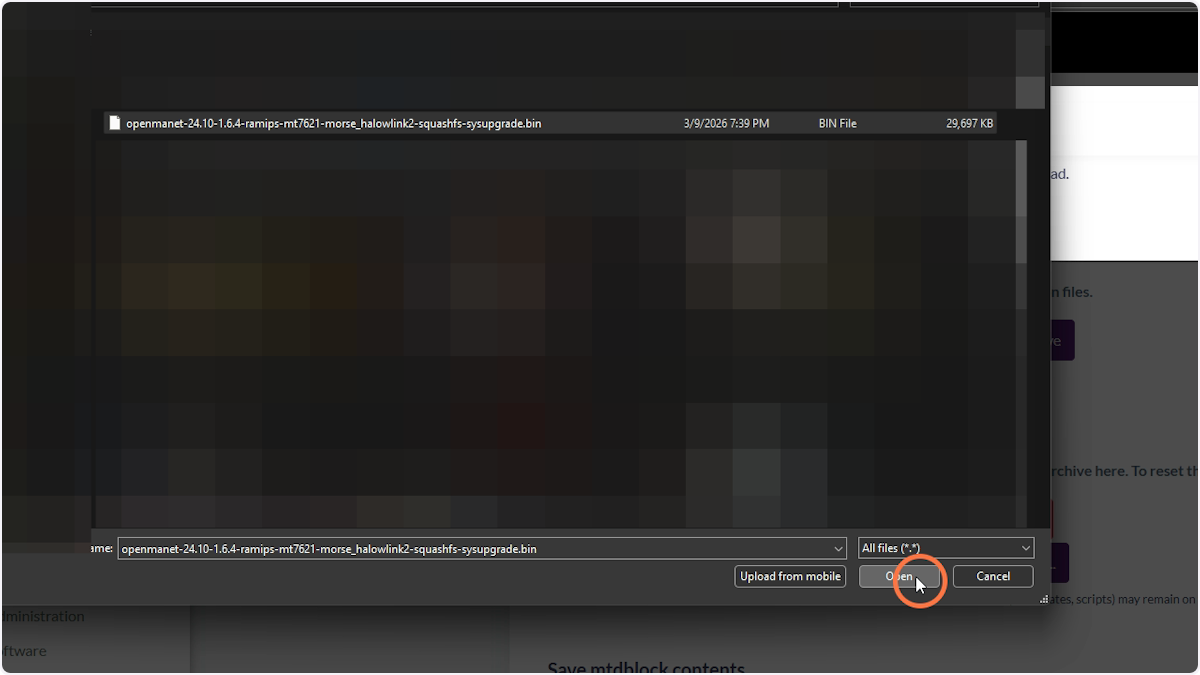
14. Click Open
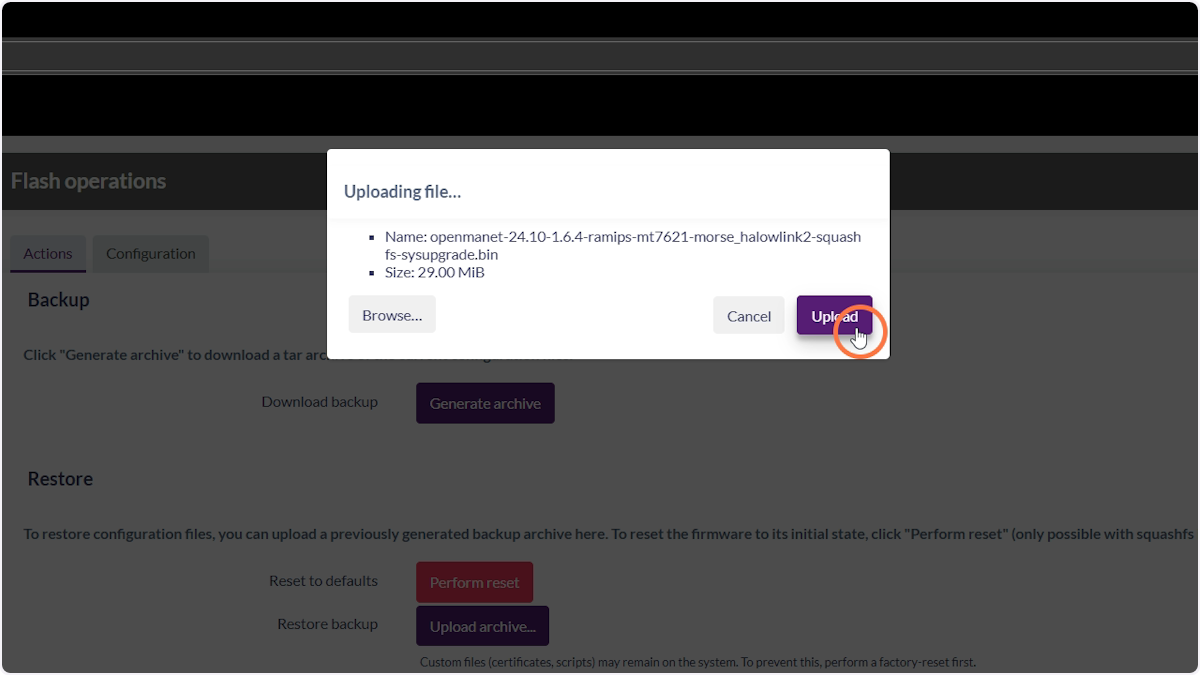
15. Click Upload
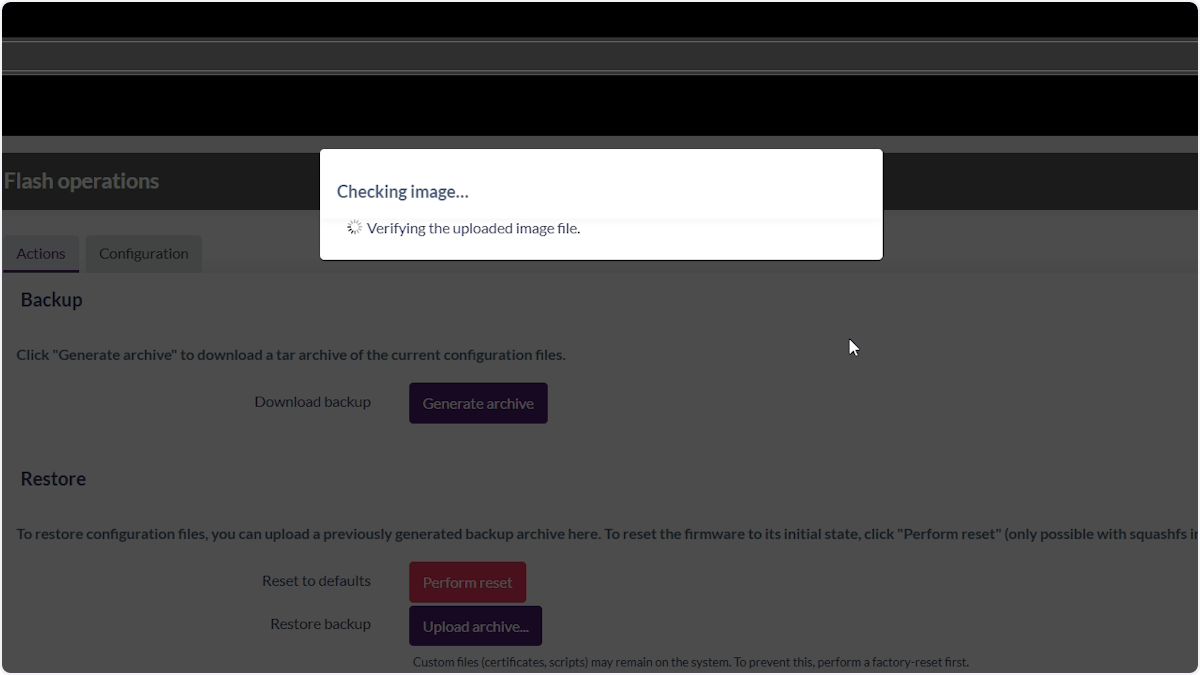
16. Wait for the image to be verified
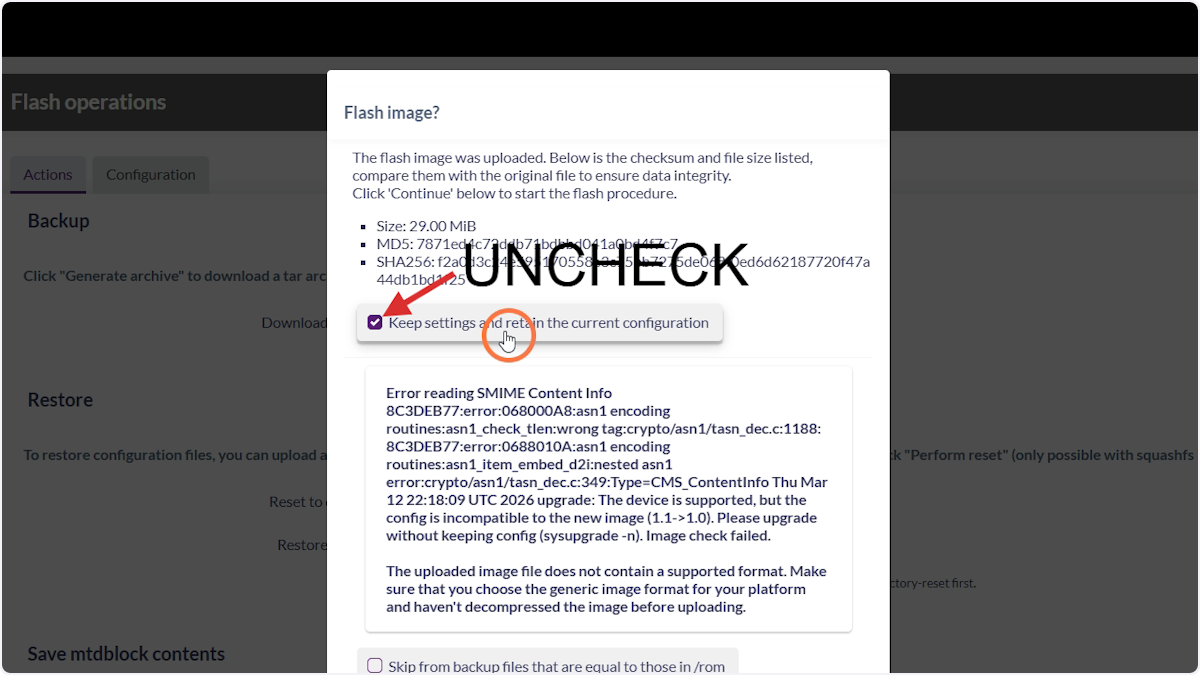
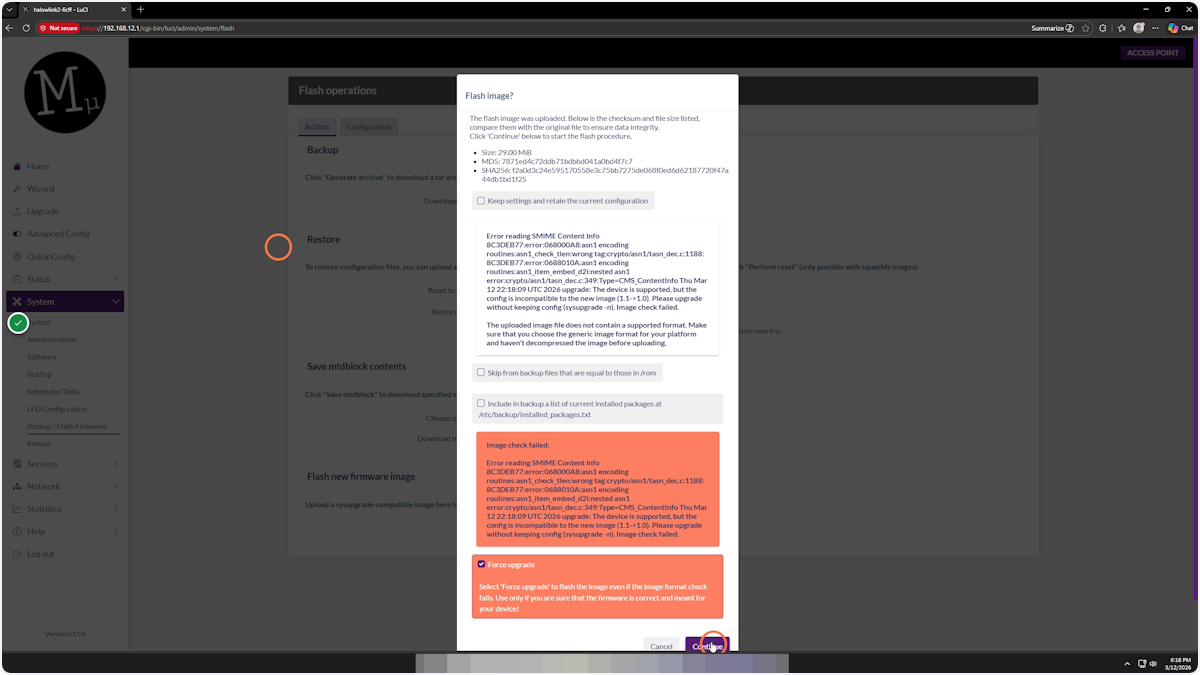
17. Uncheck “Keep settings and retain config”
18. Scroll down and check “Force upgrade”
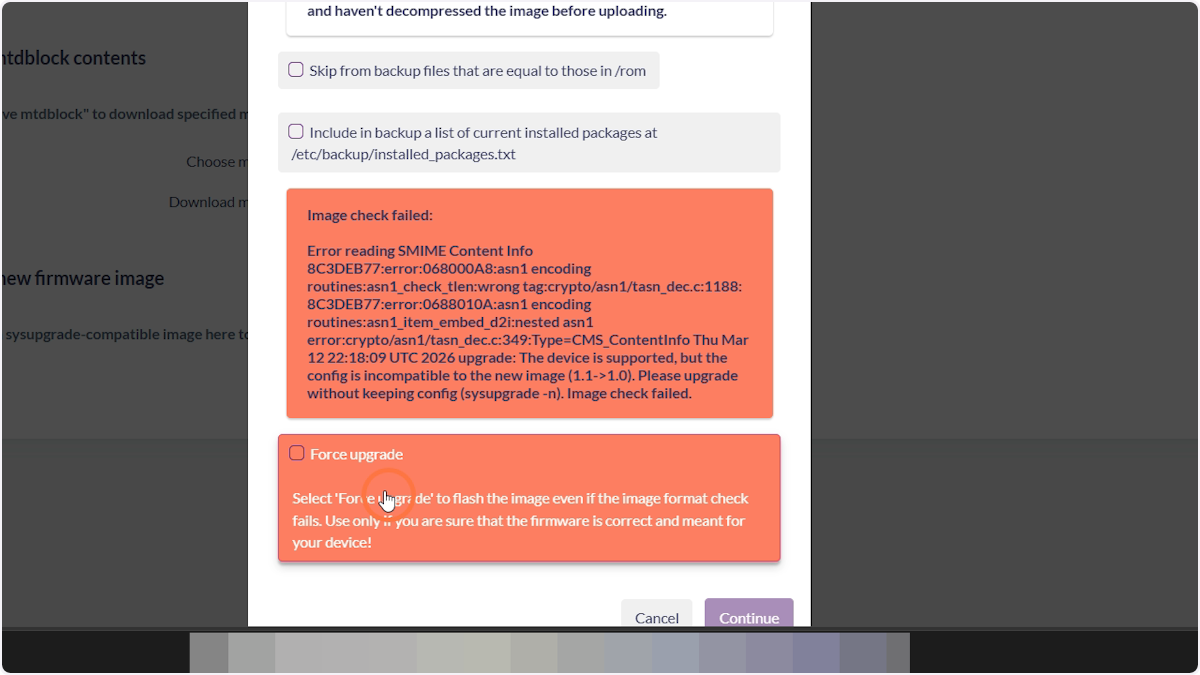
19. Click Continue
This will start the flash. Wait at least 10 minutes and keep the device plugged into power.
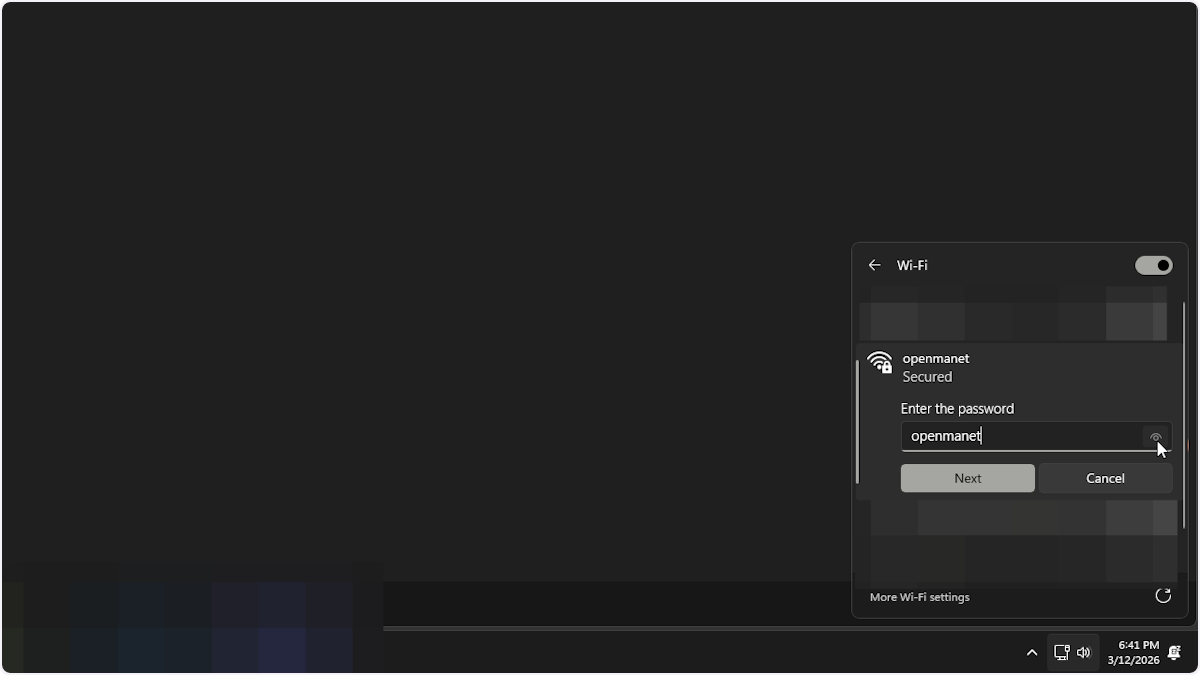
20. Connect to the openmanet Wi-Fi network
Once flashing is complete, a Wi-Fi network called openmanet will appear. The password is openmanet.
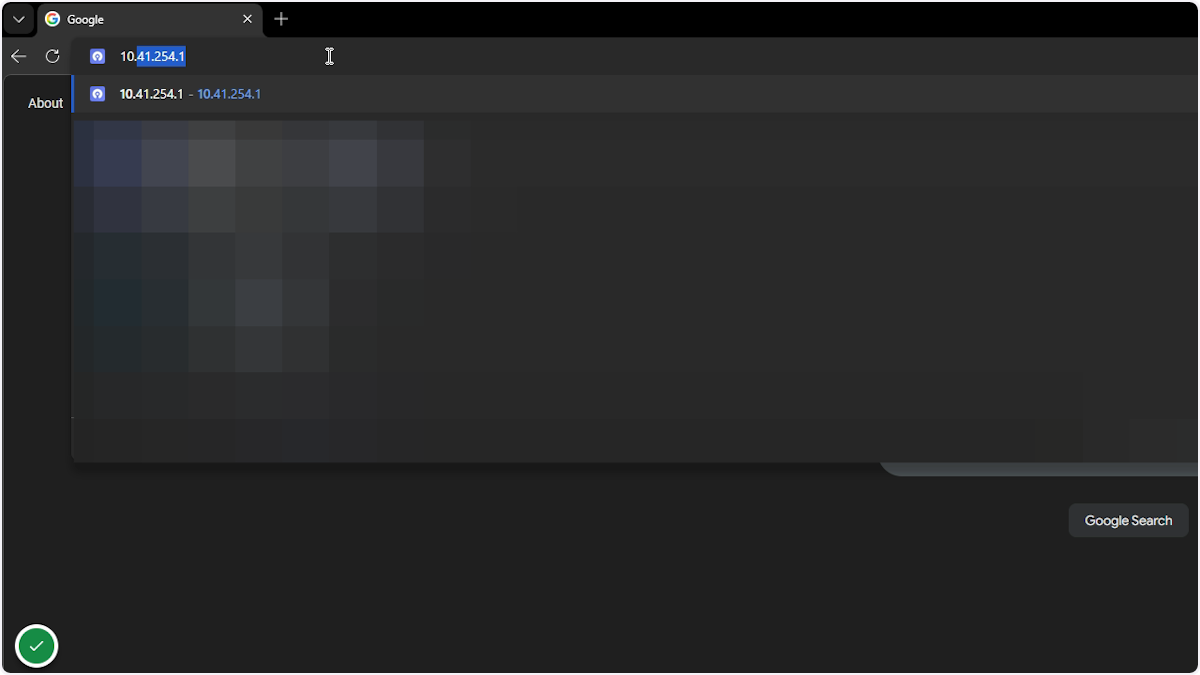
21. Access the OpenMANET web interface
A freshly flashed device can be found at 10.41.254.1.
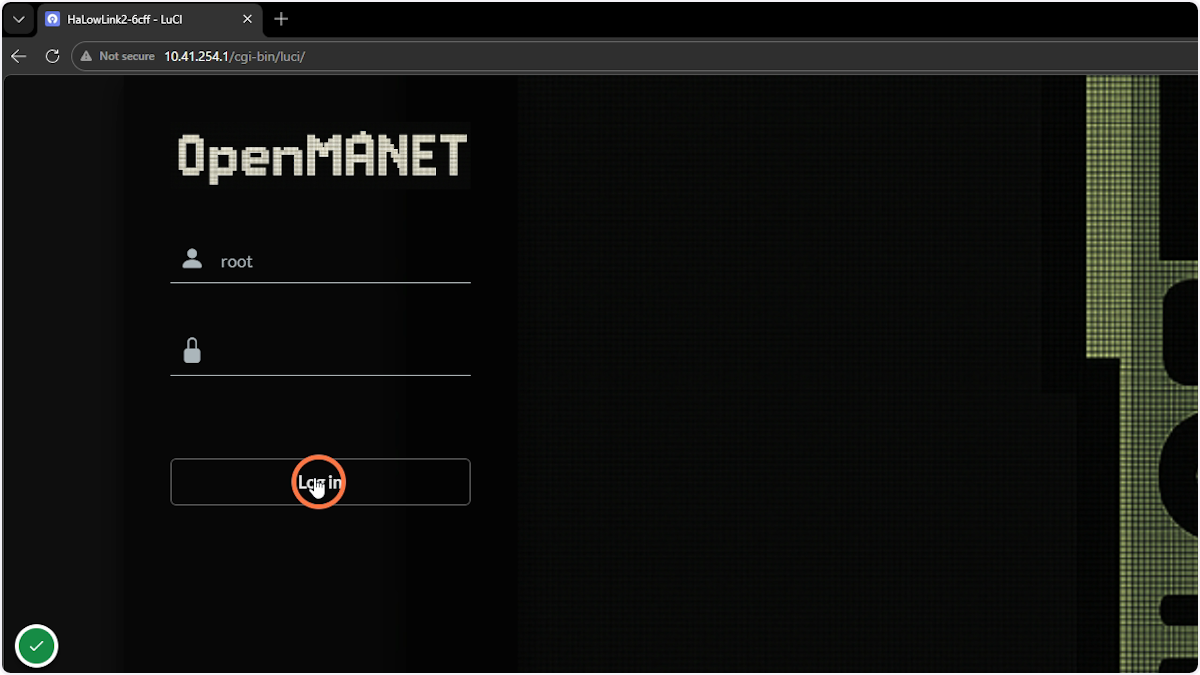
22. Click Login
There is no password set on a fresh flash, so just click Login.
23. Complete the setup wizard
Select your country and finish the device setup.