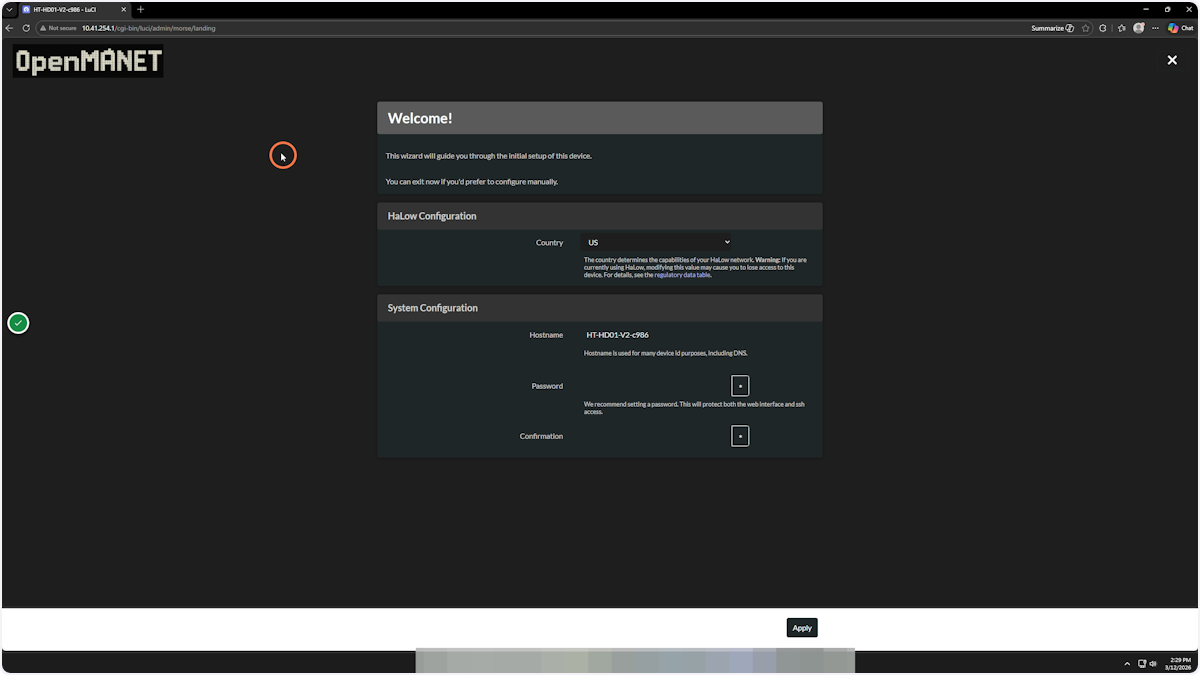
How to flash OpenMANET onto the HT-HD01 V2
IMPORTANT: V1 and V2 devices look identical except on a V2 device you will find the model name with V2 printed on the device. If you load OpenMANET firmware on a V1 device it may not work and you may brick your device. We are not responsible if you do not check this carefully.
Make absolutely sure you are only flashing a V2 device.
Please Note: The HD01 SOC is much slower than other devices. The flashing time takes a few minutes. BE PATIENT. The WebUI will also operate a bit slower and take longer to load. This is normal on these devices.
This walkthrough is geared toward a stock flashed HT-HD01 V2.
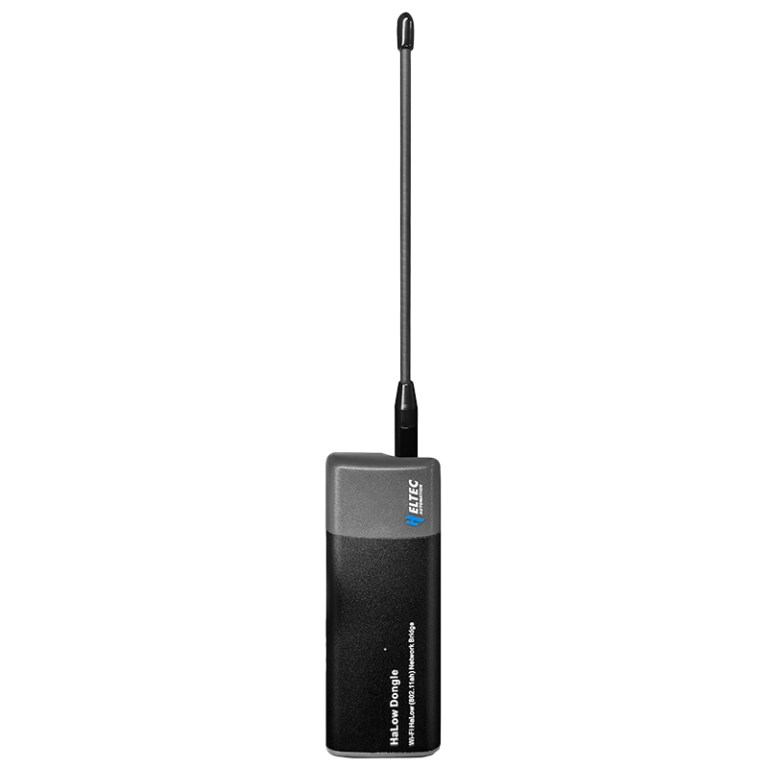
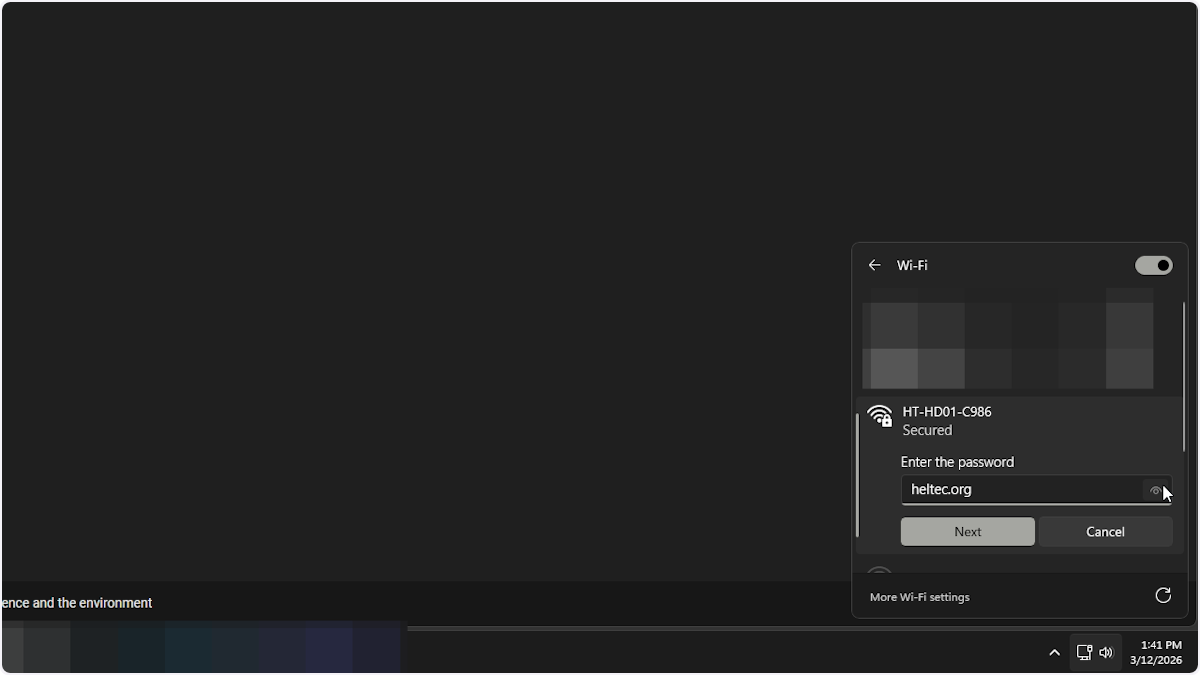
1. Connect to the HT-HD01 V2’s Wi-Fi network
The default password to the network is heltec.org
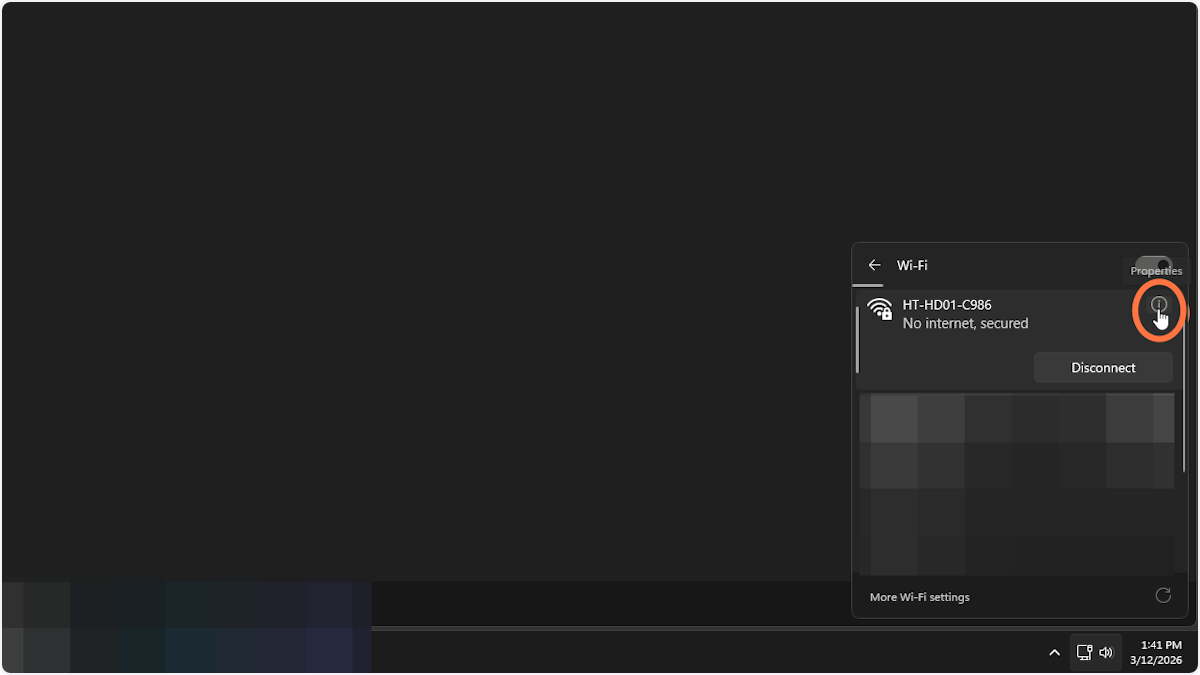
2. Once connected click on properties
3. You will need the default gateway value
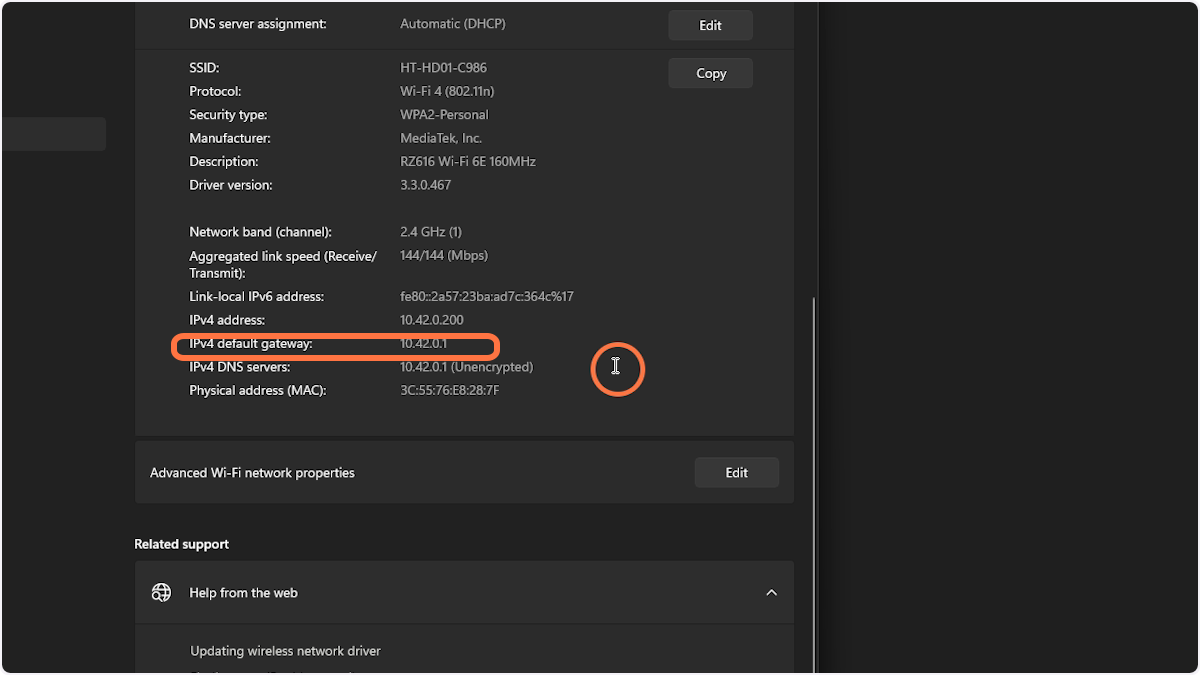
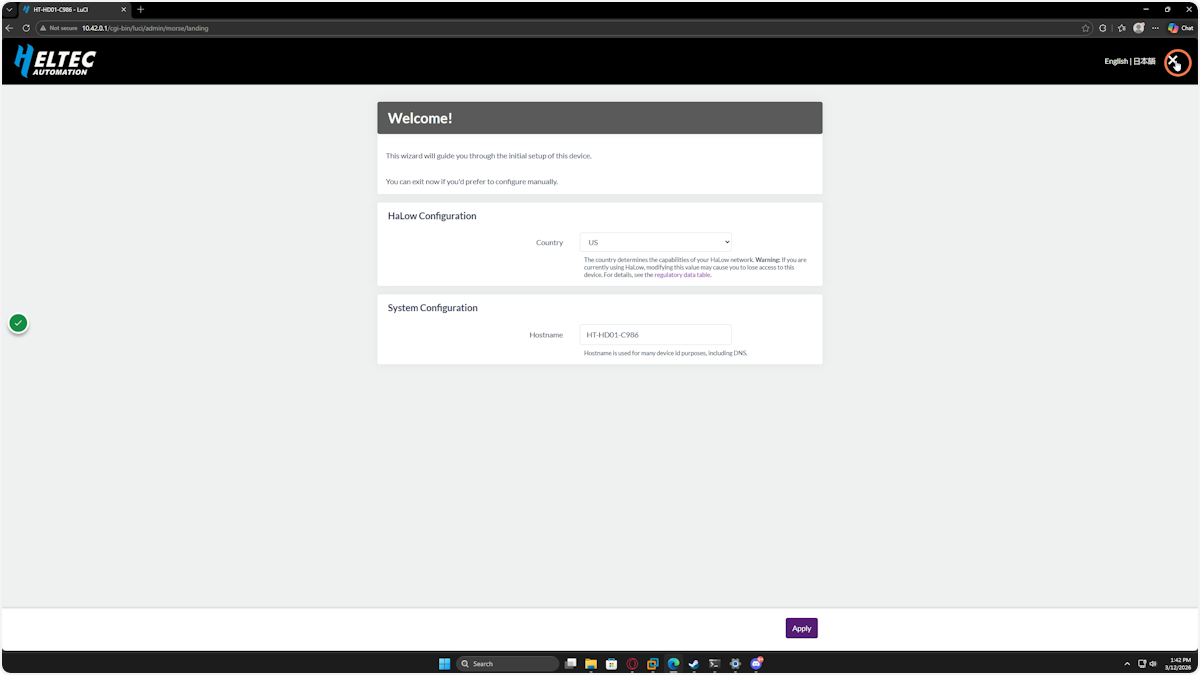
4. In your web browser go to the gateway IP address and login
The default password should be heltec.org

5. Click on the X in the top right
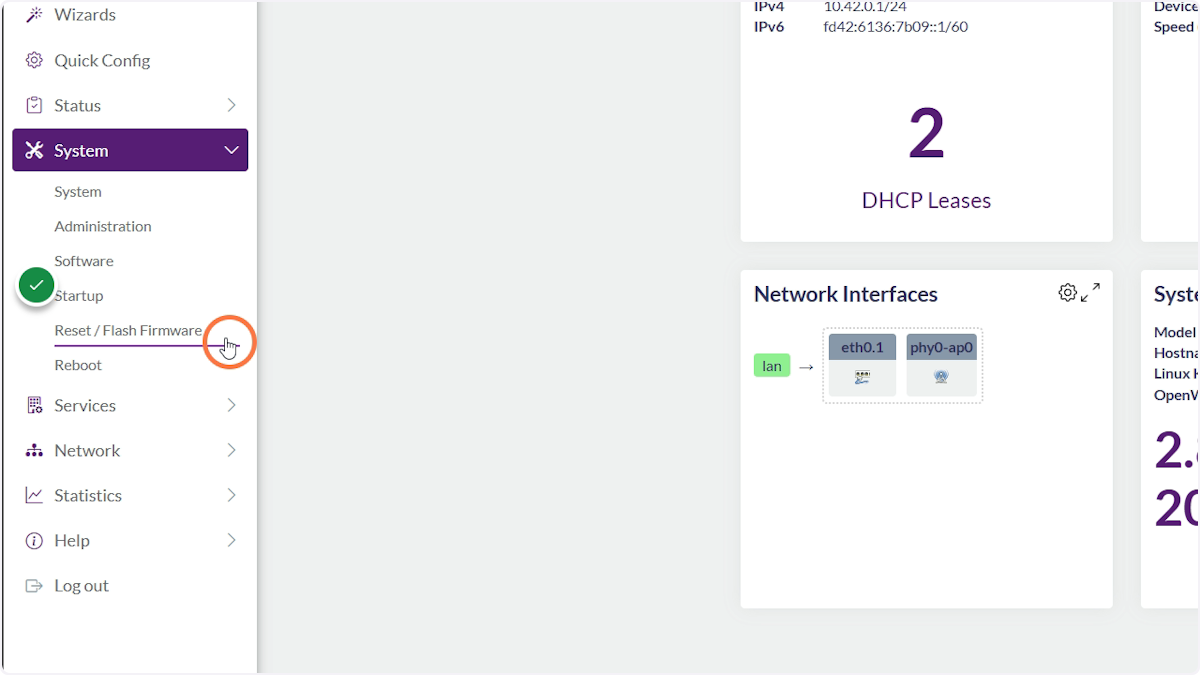
6. Navigate to System > Reset / Flash Firmware
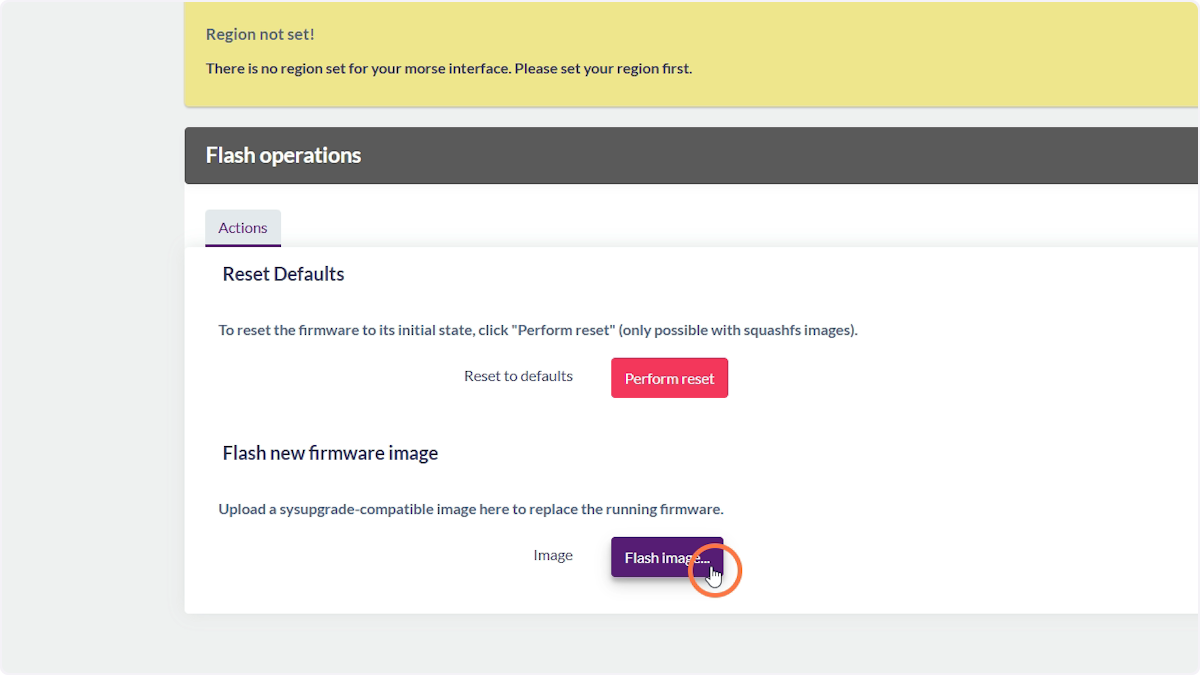
7. Click Flash Image
8. Click Browse
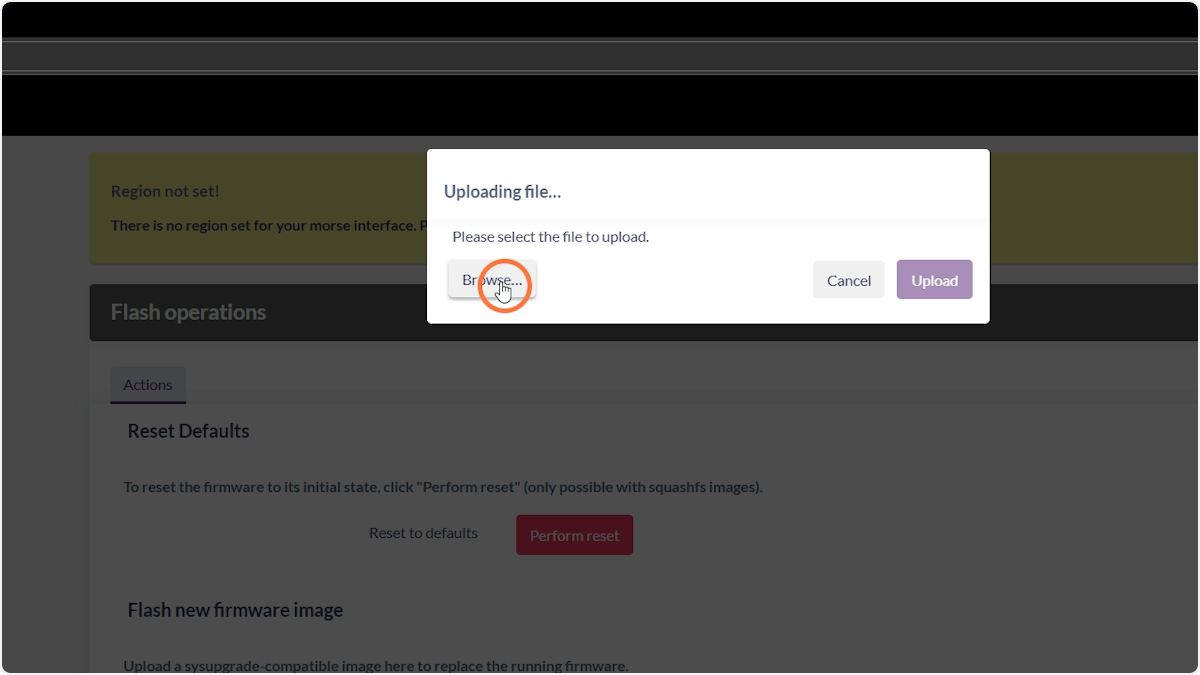
9. Select the bin file you want to flash
IMPORTANT: You need to be flashing the correct bin for this board. Please double check. The image you are looking for will have ht-hd01-v2 in the filename. Images can be found here https://github.com/OpenMANET/firmware/releases
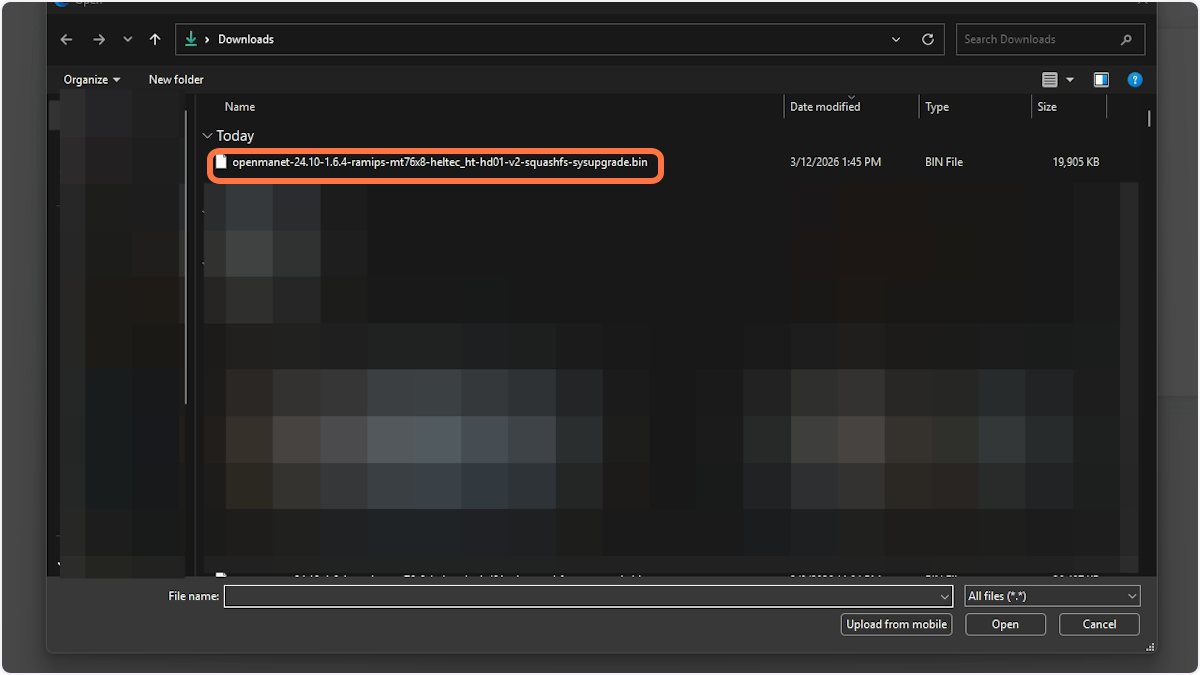
10. Click Open once you have confirmed the correct bin has been selected
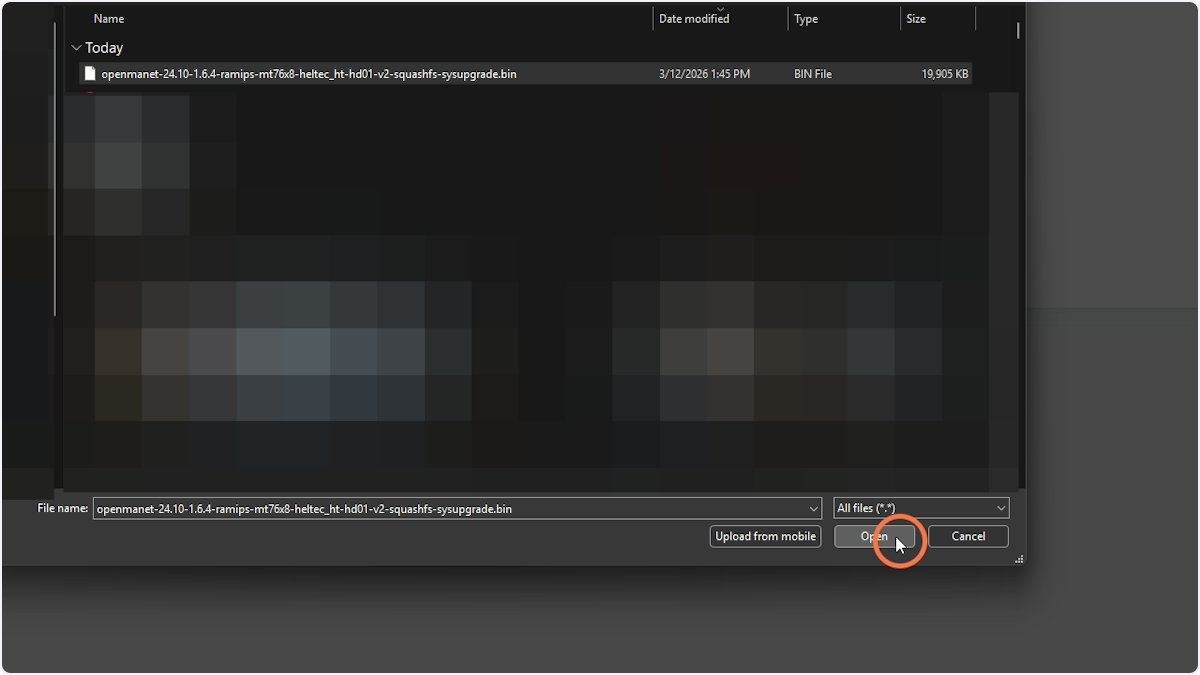
11. Click Upload
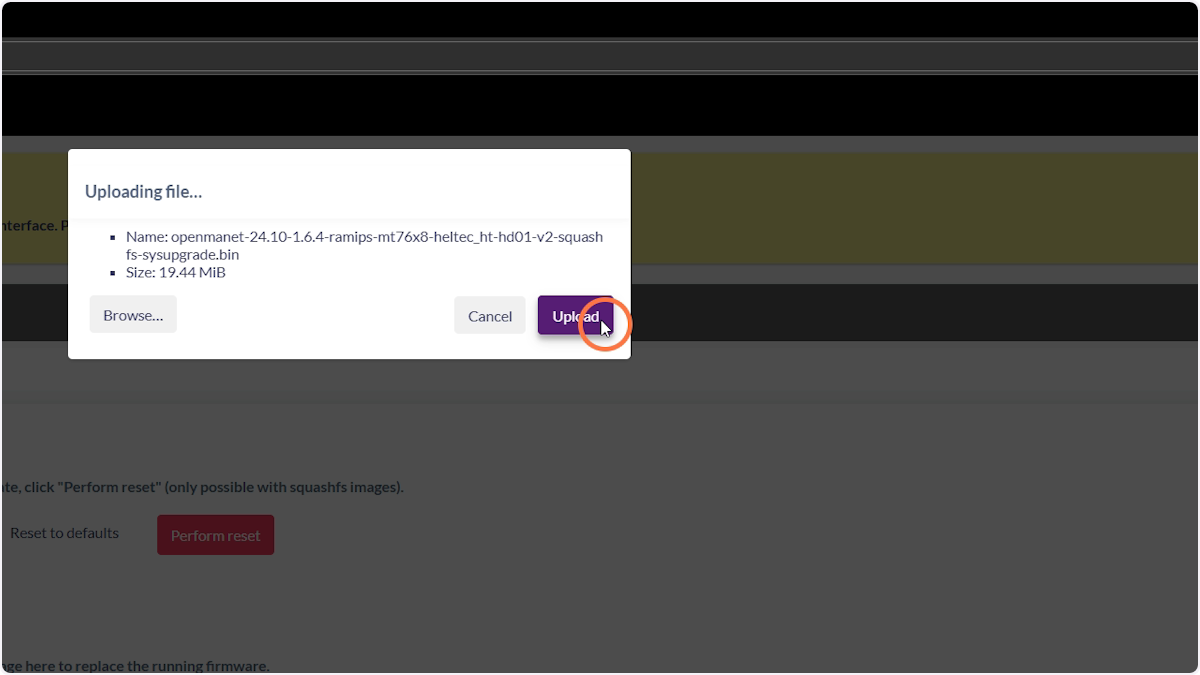
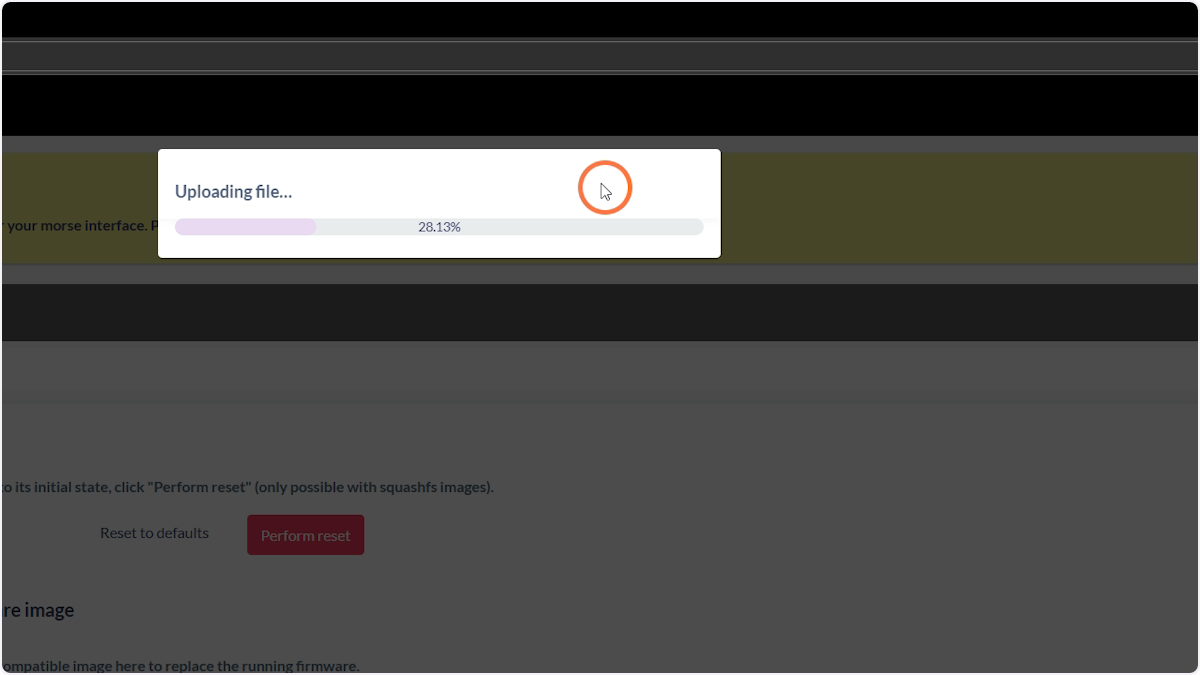
12. Wait as the bin uploads
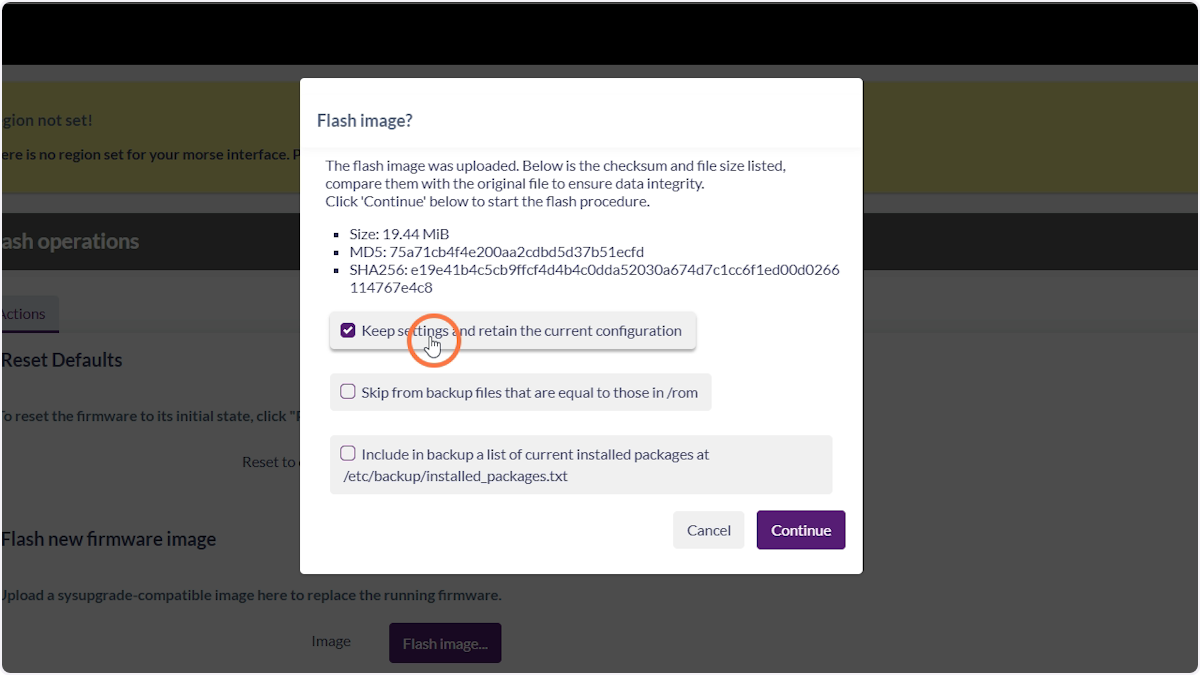
13. Uncheck “Keep settings”
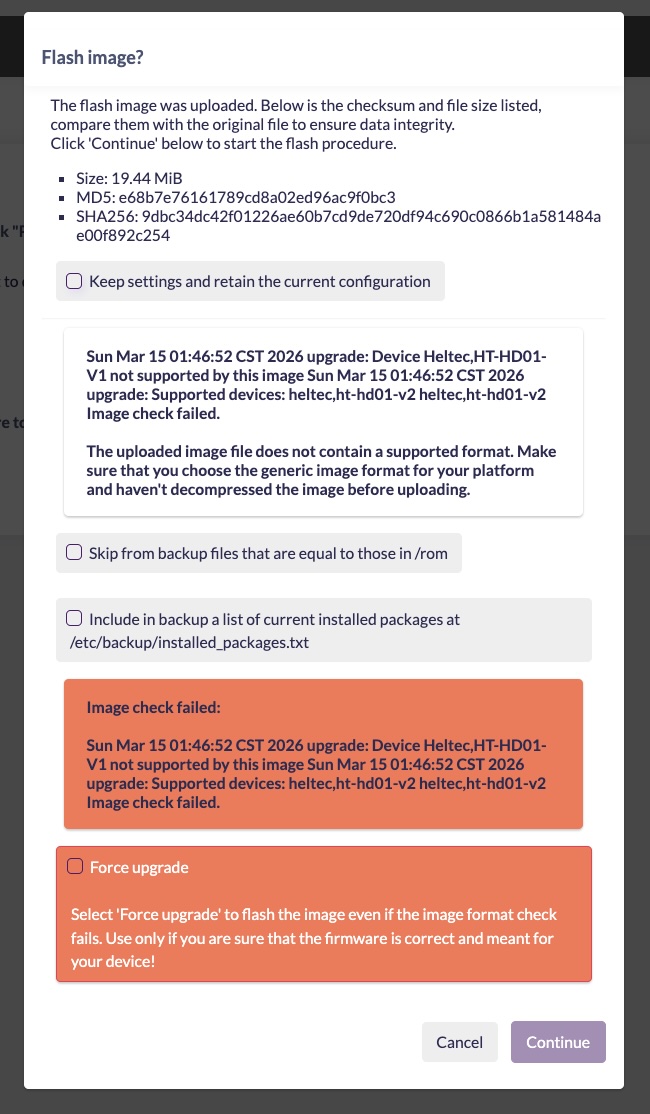
13b. IMPORTANT
If you are flashing a Heltec HT-HD01-V2 with OpenMANET for the first time you will get the following warning.
- Uncheck
Keep settings and retain the current configuration. - Check
Force Upgrade. IT IS ONLY SAFE TO DO THIS IF YOU HAVE AN HT-HD01-V2.
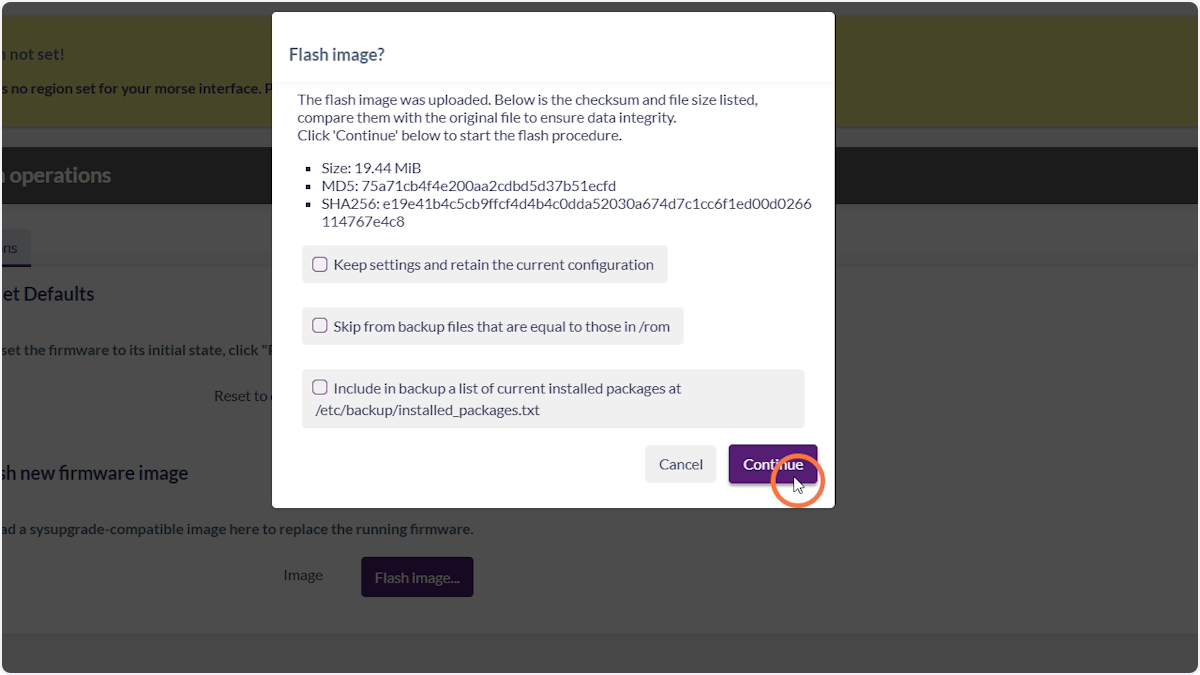
14. Click Continue
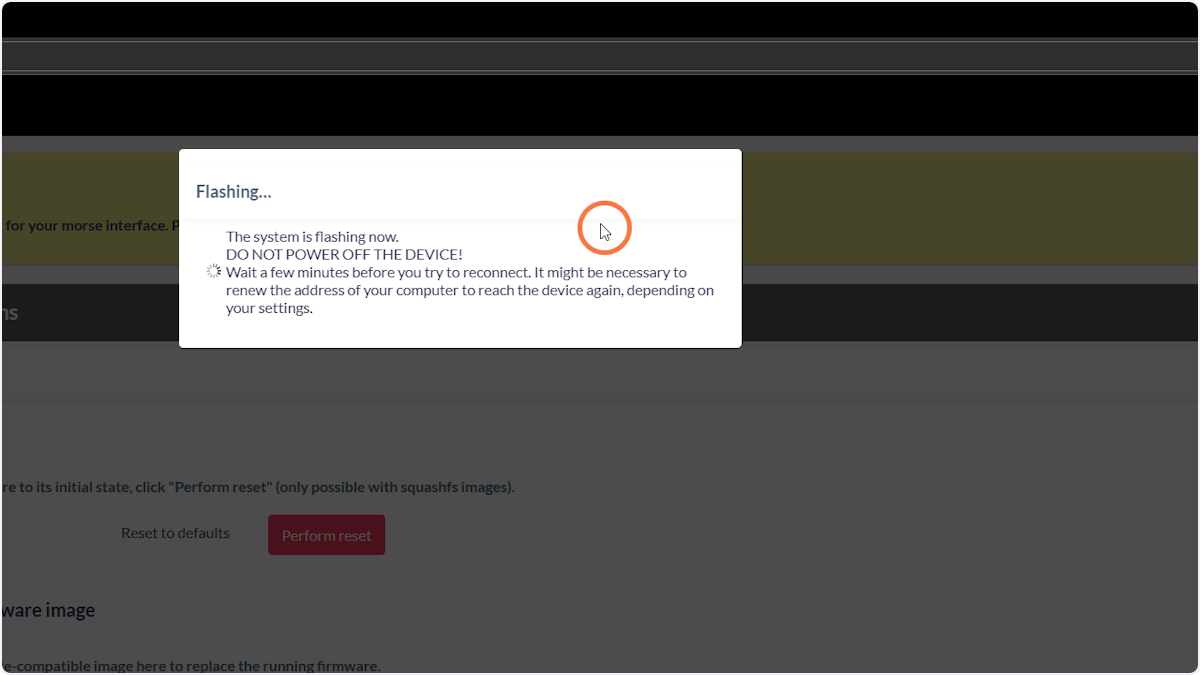
15. Wait for the device to flash and reboot
You will need to wait about 10 minutes until the device has been flashed and booted up. You can tell once it’s booted when a Wi-Fi network called openmanet appears.
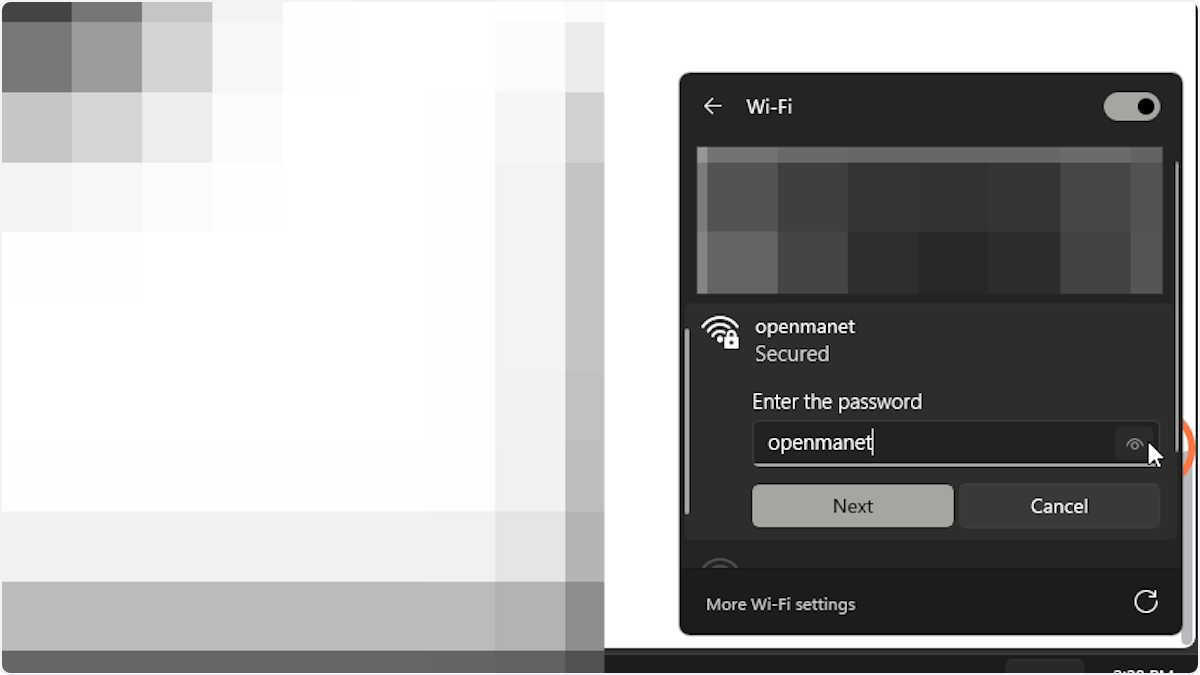
16. Connect to the openmanet Wi-Fi network
The password is openmanet
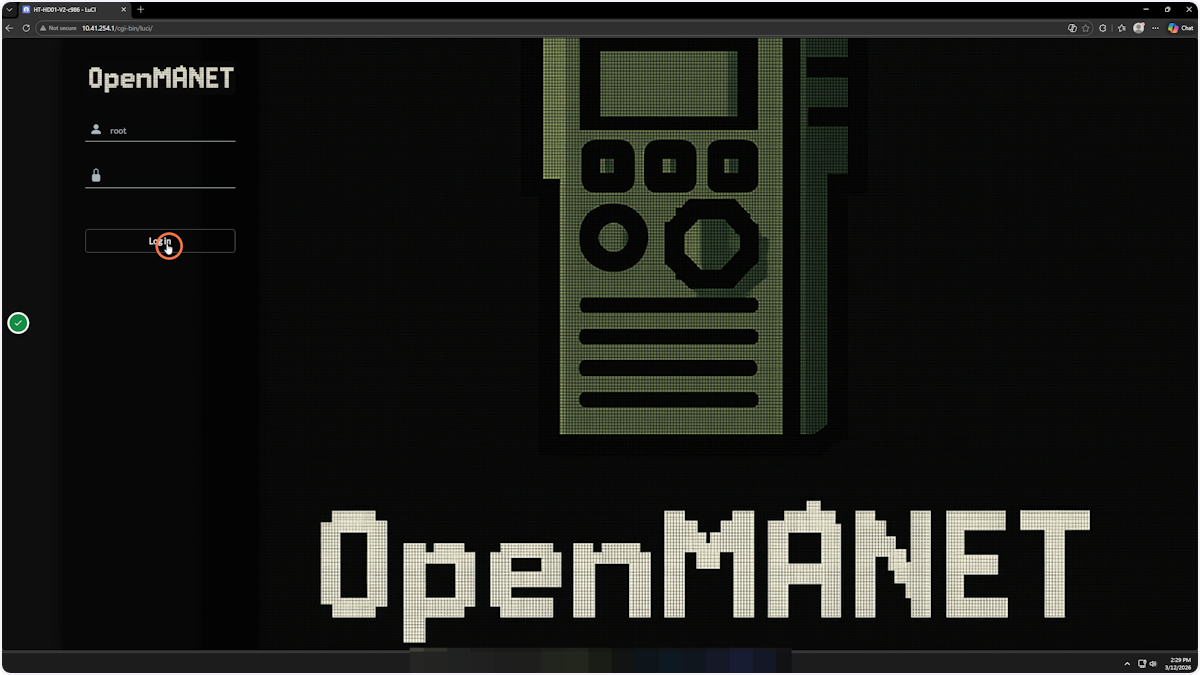
17. Log in to the OpenMANET web interface
18. Go through the wizard to configure your device